English
English
Appearance

Upgrade, downgrade, or cancel your subscription from inside WallaWhats at any time. No lock-in, no hidden fees.
Click Pricing in the top-right navigation bar to see all tiers side by side.
| Plan | Alerts / month | Accounts monitored | Price |
|---|---|---|---|
| Free | 3 | 2 | $0 |
| Pro | 50 | 3 | $5 / month |
| Pro+ ⭐ | 250 | 10 | $12 / month |
| Business | 1,000 | 20 | $29 / month |
| Enterprise | 3,000 | 50 | $99 / month |
Pro+ is the most popular tier and usually the best fit for users who want to follow a couple of accounts closely without jumping to Business.
Your alert quota and account slots are increased immediately.
Downgrading and cancellation happen through the Stripe Customer Portal, accessed from your Profile page.
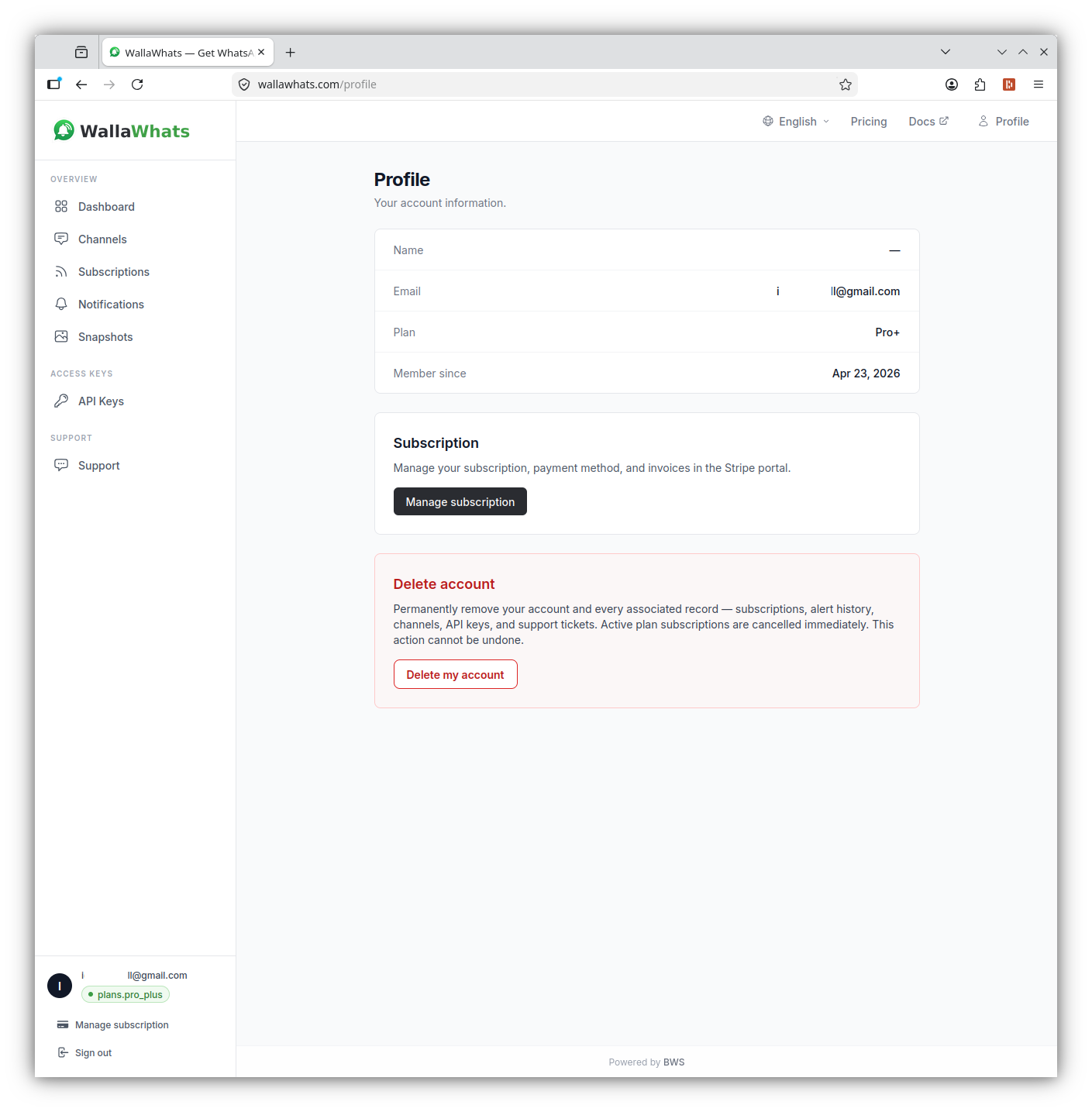
Cancellations take effect at the end of your current billing period. You keep access until that date, then drop to the Free tier.
No proration refunds for unused days — but you won't be charged again.
We offer a 14-day money-back guarantee on your first subscription month. Contact support if you want to request one.
Depending on your country, applicable sales tax or VAT may be added at checkout. Stripe handles the calculation.
If you upgrade partway through a month:
If something isn't covered in this guide, open a support ticket from inside WallaWhats — pick Support in the sidebar, fill in the form, and you'll see your open tickets right below.
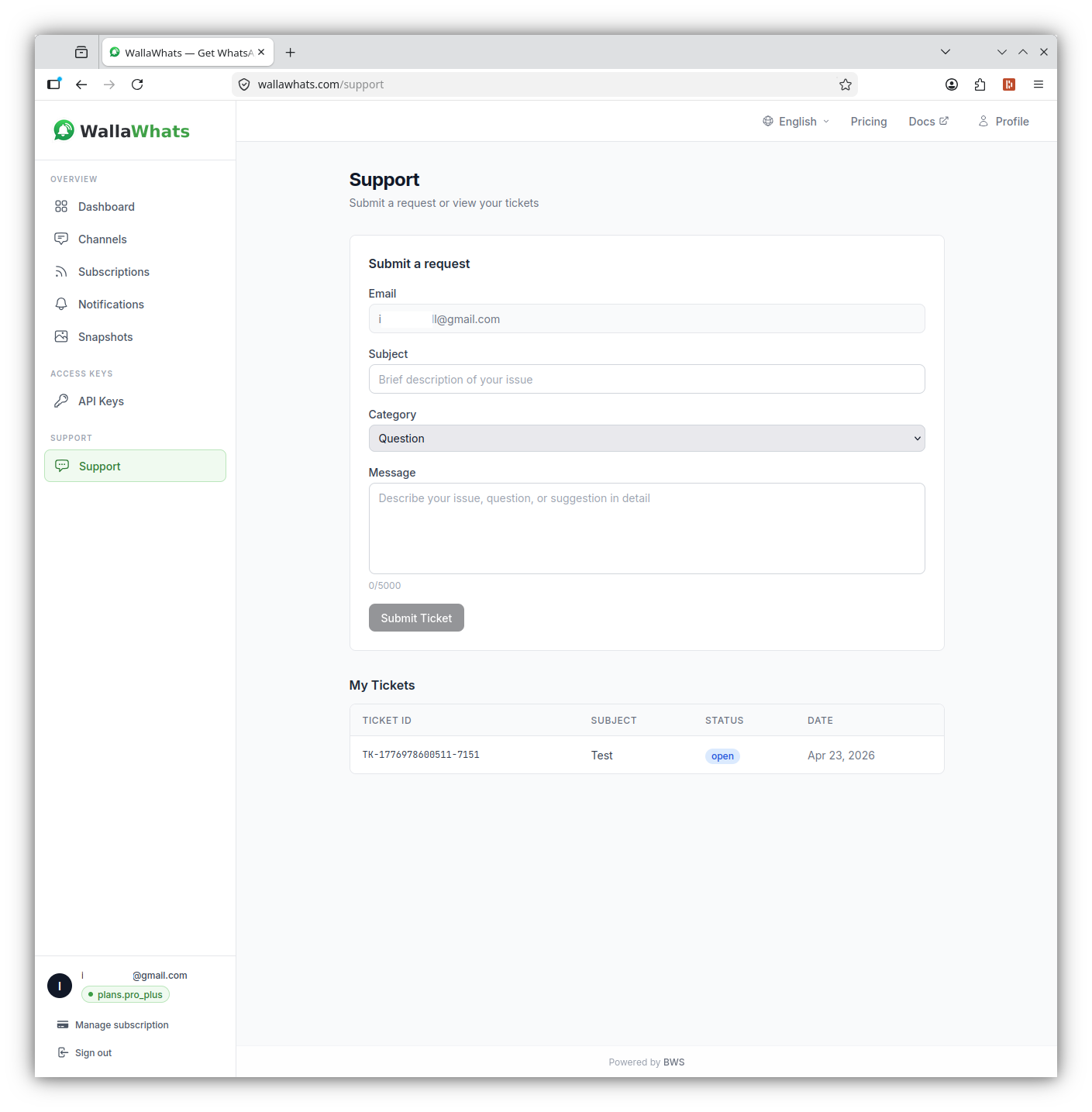
That's the full user guide. If something isn't covered here, check the FAQ or open a ticket from the Support page above.