English
English
Appearance

Creating a WallaWhats account takes about 30 seconds. There is no password to choose and no app to install — you sign in with a one-time code sent to your WhatsApp number or email.
Visit https://wallawhats.com in any browser. The landing page has the signup form built right in.
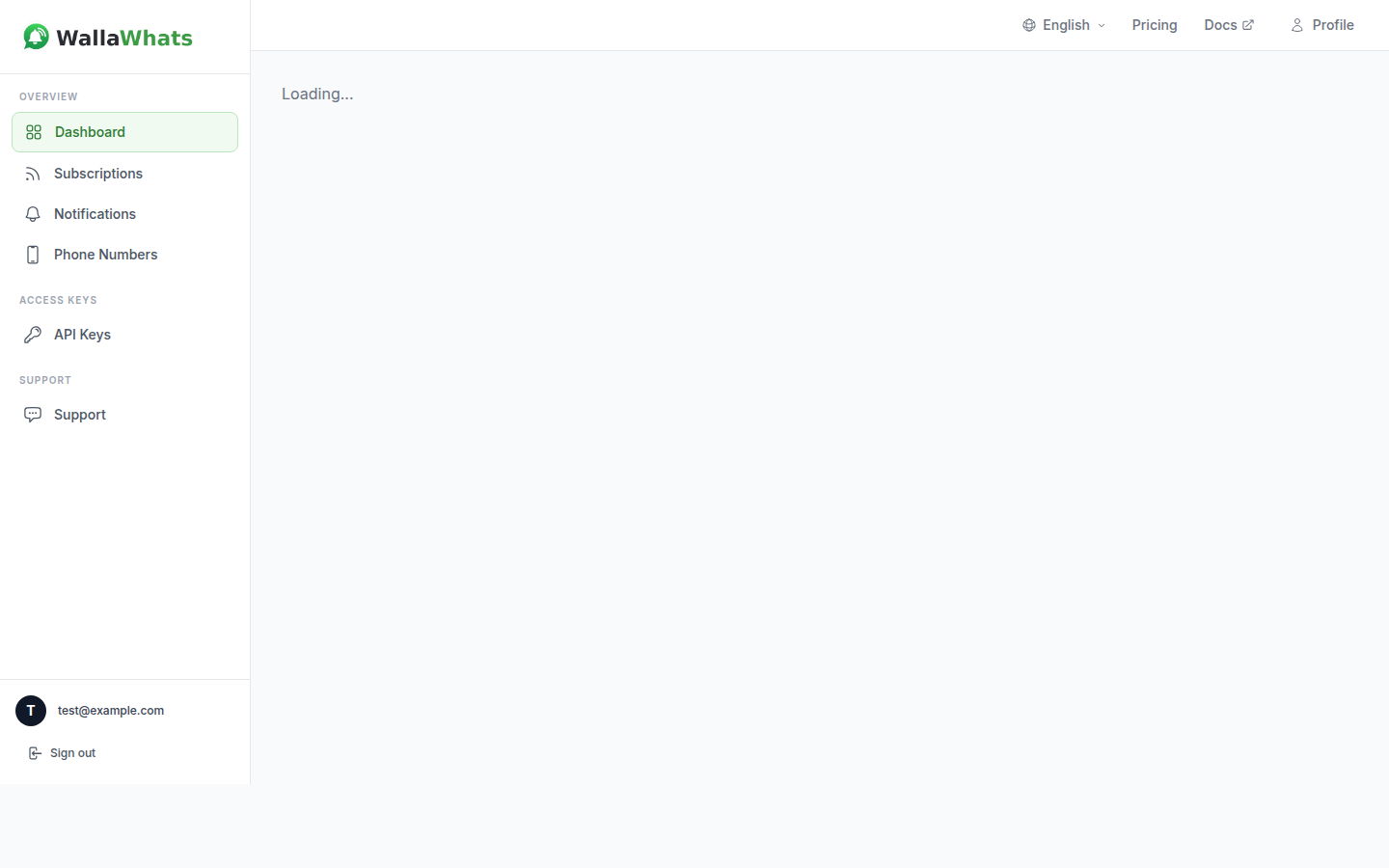
In the form:
@username of the X account you want to track first (e.g. elonmusk). You can add more later.+34612345678, +14155552671, etc.).Prefer email?
Click Prefer email? under the WhatsApp field. The form swaps to an email input, and the verification code arrives by email instead of WhatsApp.
WallaWhats fires off a 6-digit verification code to the channel you chose. The page shows a brief "Sending your code…" state while the message is on its way.
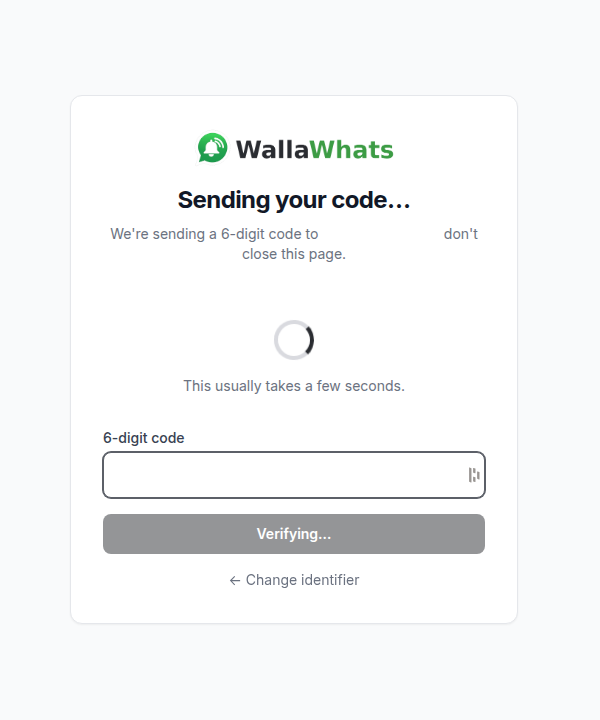
This usually takes a few seconds. Don't close the page — the code field appears as soon as the message is dispatched.
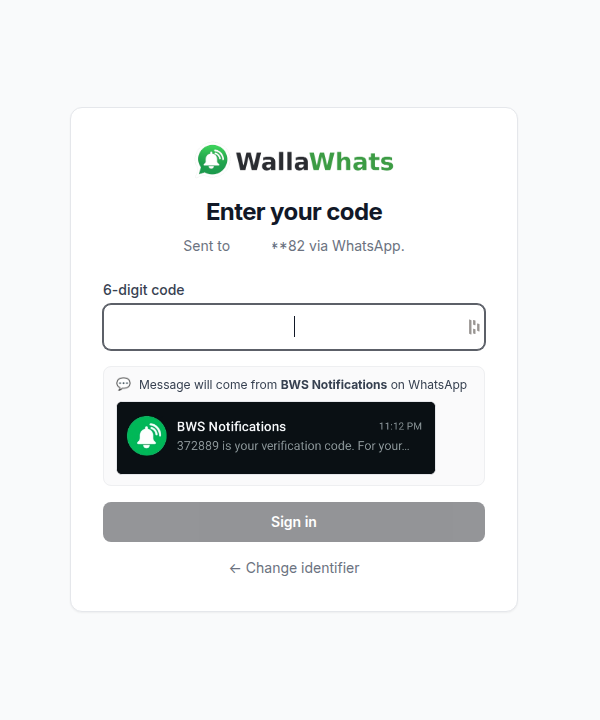
Check your WhatsApp (or email) for a message from BWS Notifications:
BWS Notifications
372889 is your verification code. For your security, do not share this code.
Type the 6 digits into the field on the Enter your code screen and click Sign in.
Used the wrong number or email?
Click ← Change identifier to go back and edit the destination, then resend.
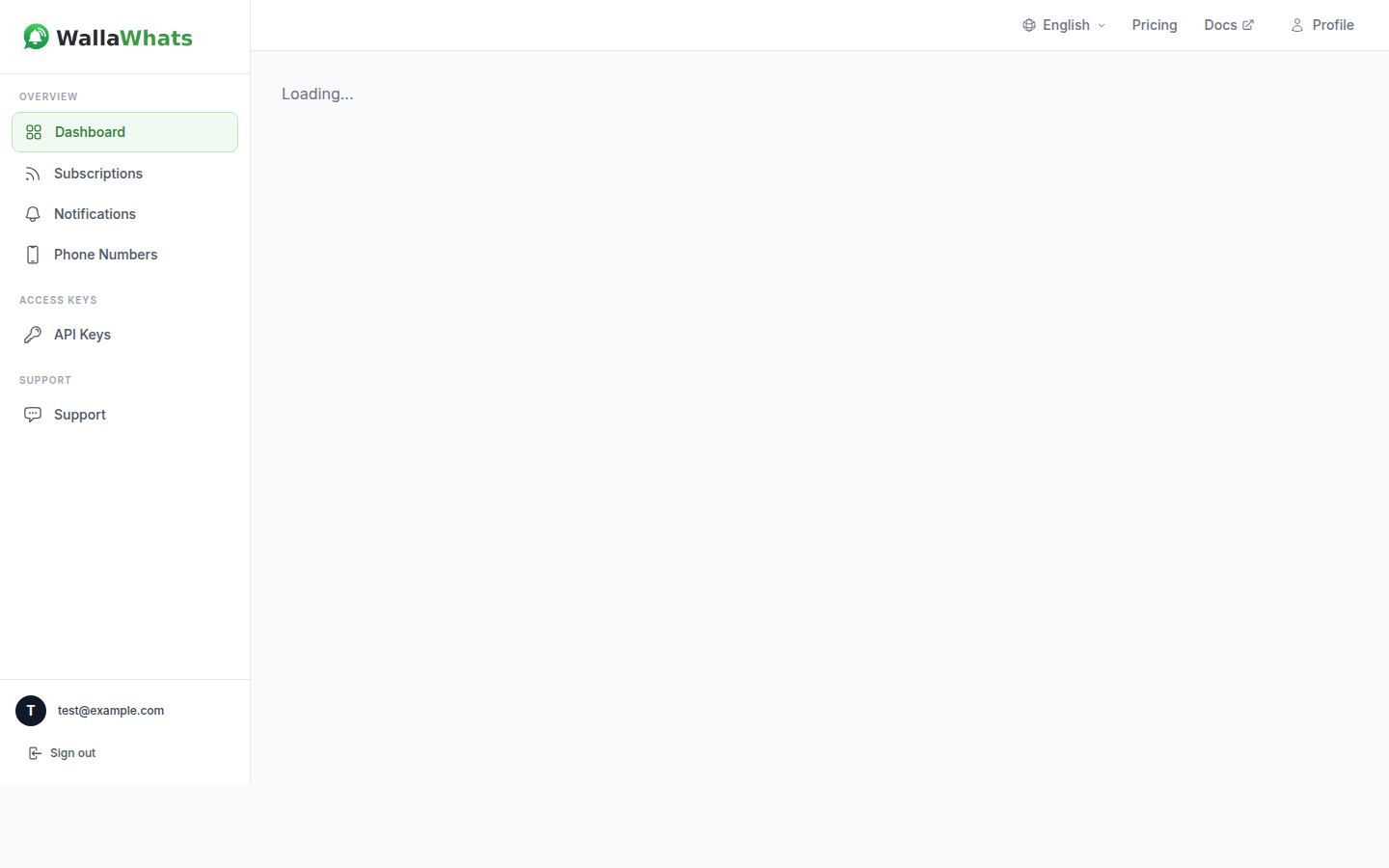
Once the code is accepted, you land on your dashboard. The X account and channel you typed on the landing page are already configured — your first subscription and primary alert channel are created automatically, so alerts can start flowing right away.
I didn't receive the code on WhatsApp.
+).I didn't receive the code by email.
The code expired.
Your account exists, and your first subscription + channel are already wired up. You can verify additional channels (extra phones or email addresses) in the next step.