English
English
Appearance

WallaWhats exposes the same operations the dashboard uses through a JSON HTTP API. Use it to script subscription management, pull notification history into your own systems, or integrate alerts with internal tooling. Every paid tier includes API access — see Manage your plan for per-plan key limits.
From the sidebar, click API Keys (under Access keys).
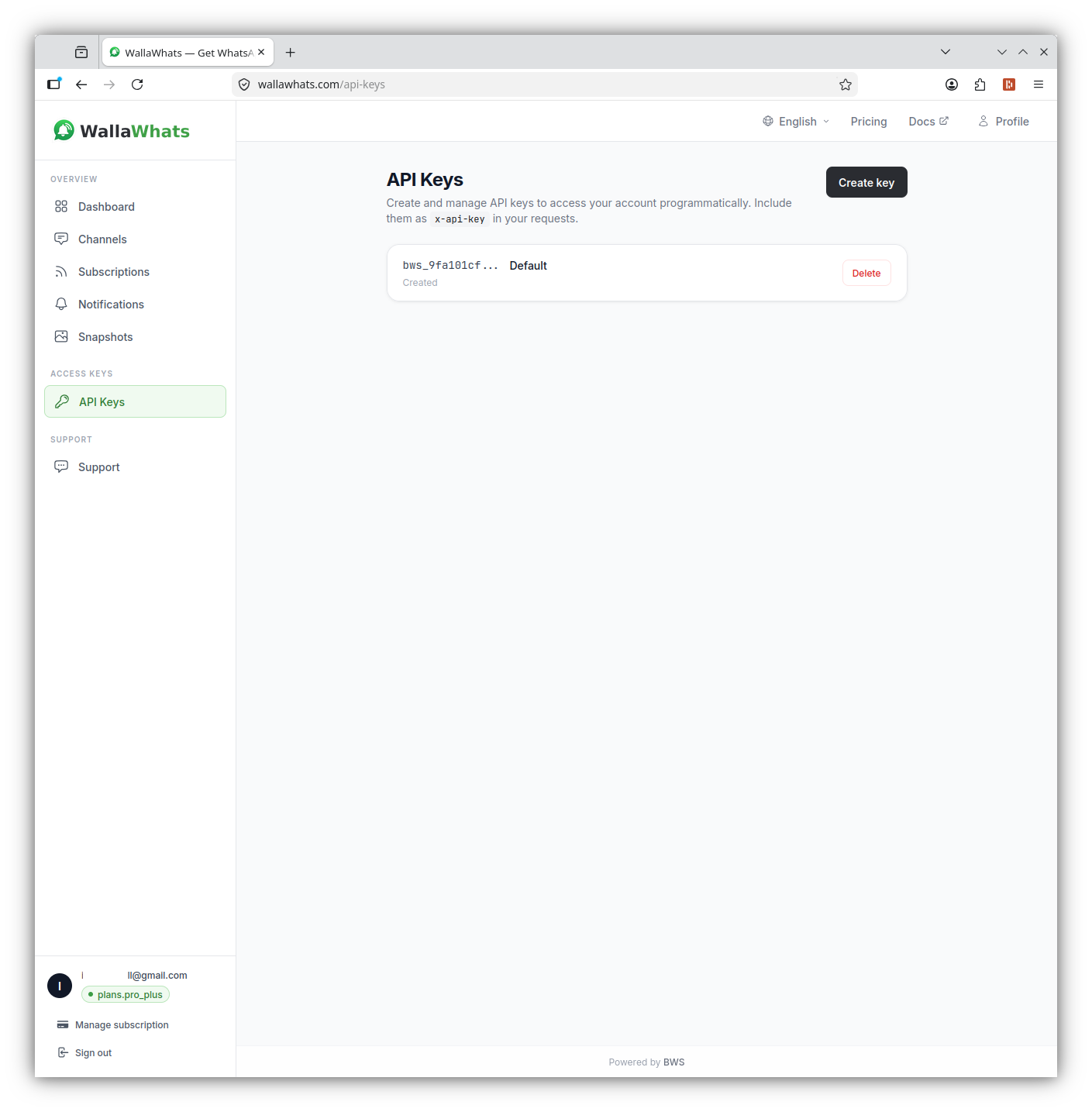
production-server, local-dev). The name is just a label — it doesn't affect permissions.The full key value is shown once — copy it immediately into your secret manager. WallaWhats only ever stores a hash plus a short prefix (bws_xxxxxxxx…) so it can never be recovered later.
Treat keys like passwords
Anyone with the key can act on your account. Store keys in a secret manager, never commit them to git, and rotate periodically.
Send the key in the x-api-key header on every request:
curl -H "x-api-key: bws_xxxxxxxxxxxxxxxxxxxxxxxxxxxx" \
  https://api.wallawhats.com/subscriptions
Available endpoints, request bodies, and response shapes are documented in the API Reference.
401 Unauthorized.| Plan | API keys |
|---|---|
| Free | 1 |
| Pro | 1 |
| Pro+ | 2 |
| Business | 5 |
| Enterprise | 20 |
If you hit the limit, Create key is disabled — delete an old key first or upgrade your plan.
For request/response schemas and the full endpoint list, see the API Reference →