English
English
Appearance

Once you have a verified WhatsApp number and at least one monitored account, alerts start flowing automatically. Here's what to expect.
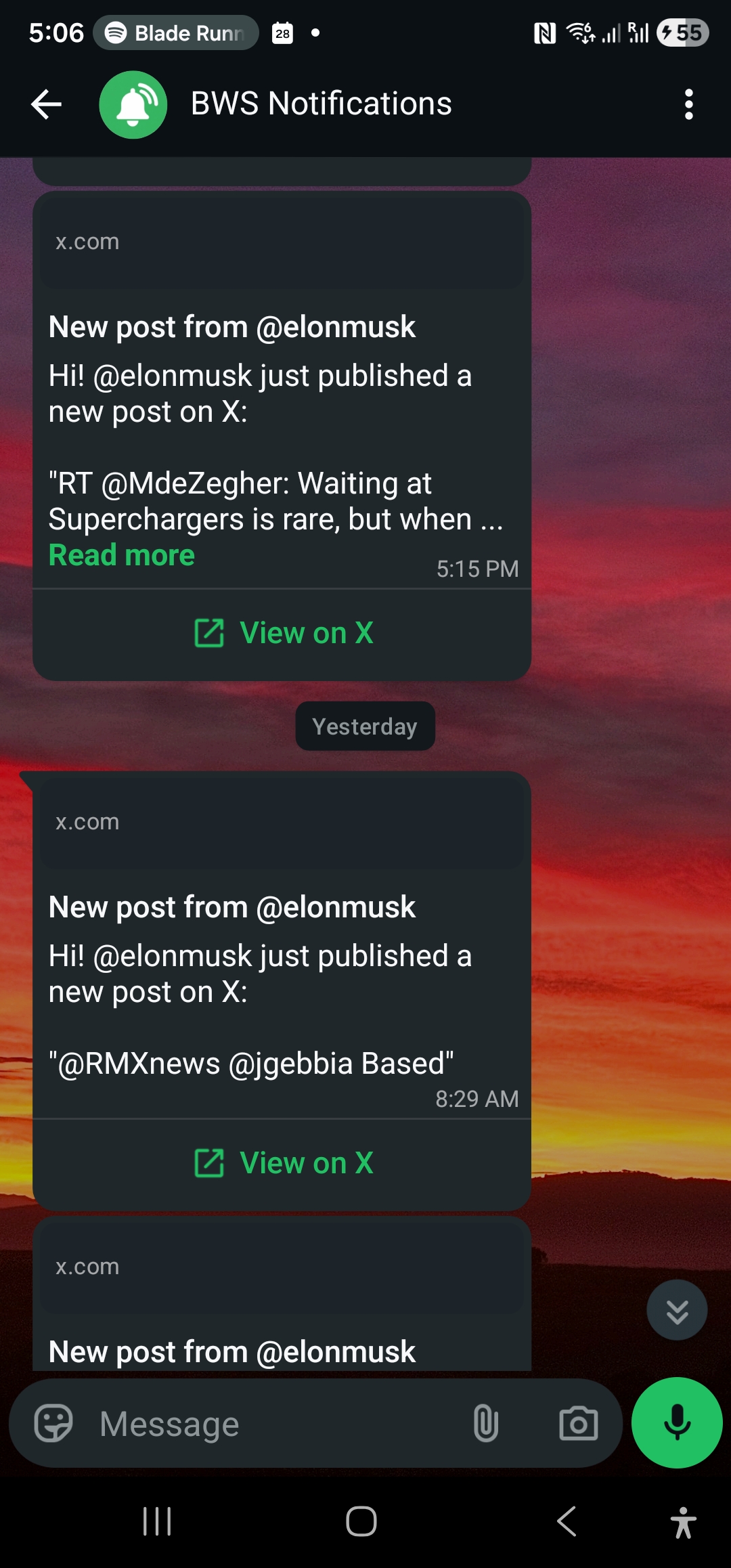
When a monitored X account posts, you receive a WhatsApp message that looks like this:
WallaWhats
New post from @elonmusk
@elonmusk just published a new post on X:
"Launching something big tomorrow — stay tuned"
Tap below to view the full post on X.
[View on X]
Tapping View on X opens the original post in your browser or the X app.
Typically 6 to 10 seconds from the post going live on X to the message arriving on your phone. This is usually faster than X's own push notifications.
Occasionally alerts may take up to a minute if:
Each WhatsApp message counts as one alert. If an account posts 50 times in a month, that's 50 alerts from your monthly quota.
Your quota resets on the first day of each month at 00:00 UTC.
| Plan | Alerts per month |
|---|---|
| Free | 3 |
| Pro | 50 |
| Pro+ | 250 |
| Business | 1,000 |
| Enterprise | 3,000 |
Alerts stop being sent until the next month or until you upgrade your plan. You'll still see missed tweets under Notification History with a Skipped (quota exhausted) status.
You can't currently filter out replies or retweets — you receive all activity from the monitored account.
To pause alerts without removing subscriptions:
Alerts are arriving. Next, learn how to review past notifications.