English
English
Appearance

Every alert WallaWhats sends is logged. You can review the full history, see delivery status, and jump to the original tweet at any time.
From the left sidebar, click Notifications.
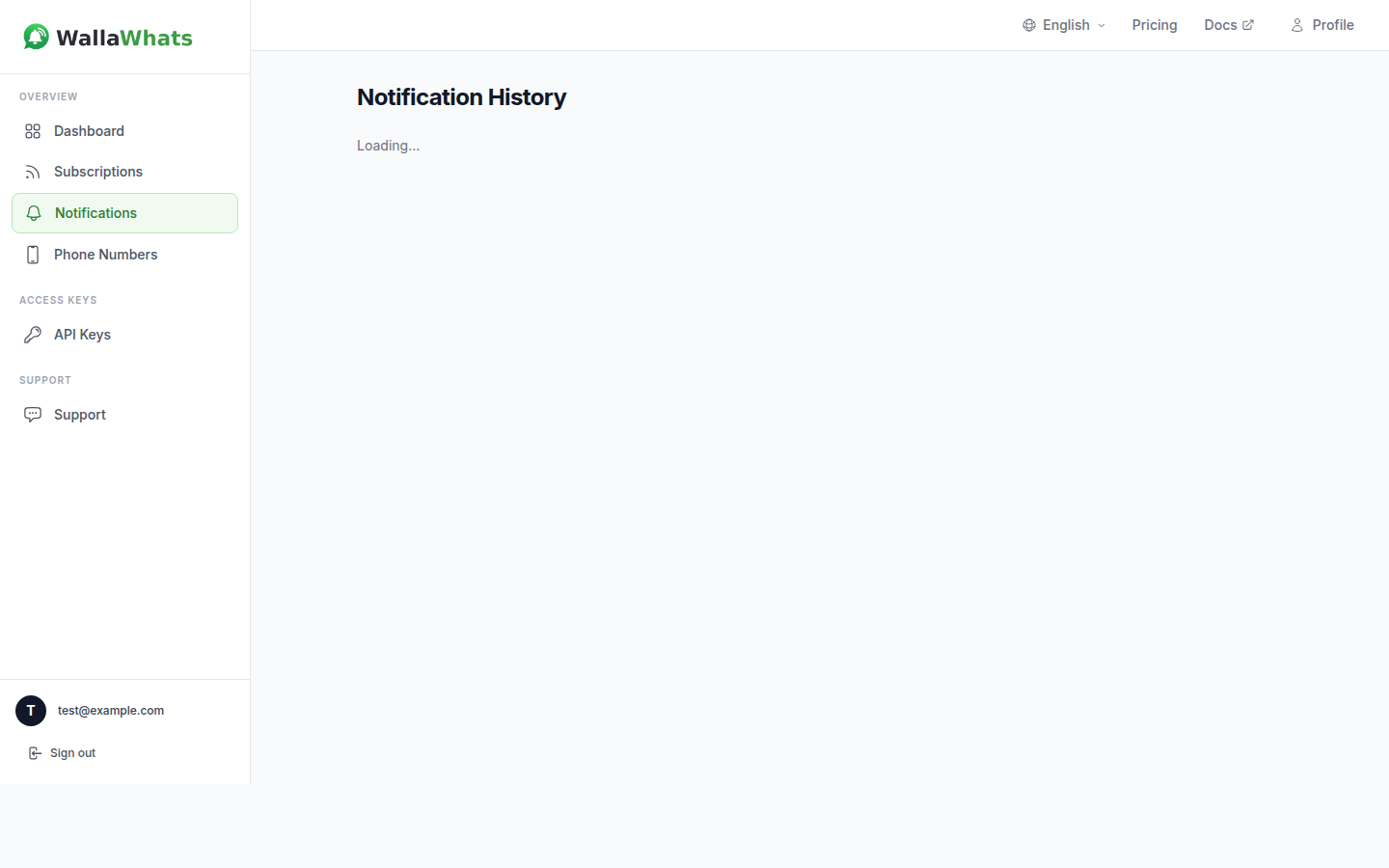
The page shows all your alerts sorted newest-first. Each row has:
@handle the alert came fromEach alert goes through several states:
| Badge | Meaning |
|---|---|
| Queued | The alert has been picked up and is waiting to be sent. |
| Sent | Delivered to the WhatsApp platform. Your phone hasn't received it yet. |
| Delivered | Arrived on your phone (single gray tick). |
| Read | You opened the message (double blue ticks). |
| Failed | Something went wrong — see the error detail. |
Most alerts move from Queued → Sent → Delivered → Read within a few seconds. If a message fails, you'll see the reason in the status detail.
Click View Tweet next to any alert. This opens the original post on x.com in a new tab. If you have the X app installed on mobile, the link may open there instead.
Alerts are loaded in pages of 50. Click Load More at the bottom to fetch older entries. History is retained for as long as your account is active.
Currently you can't filter the history by account or date range from the UI. If you need programmatic access to alerts, use the API reference.
That's the core daily usage. If you need more alerts or more accounts, check your plan.