X Alerts in Python: Subscribe and Poll Notifications with the WallaWhats API
A hands-on Python tutorial: add a verified channel, subscribe to X accounts, and poll notification history with the WallaWhats REST API using requests and x-api-key.
 by Nacho Coll
Nacho founded WallaWhats so you get the alerts that matter without depending on X's algorithm to surface them — pick the accounts you care about and get a WhatsApp for every post the moment it goes live, in order, nothing throttled or buried.
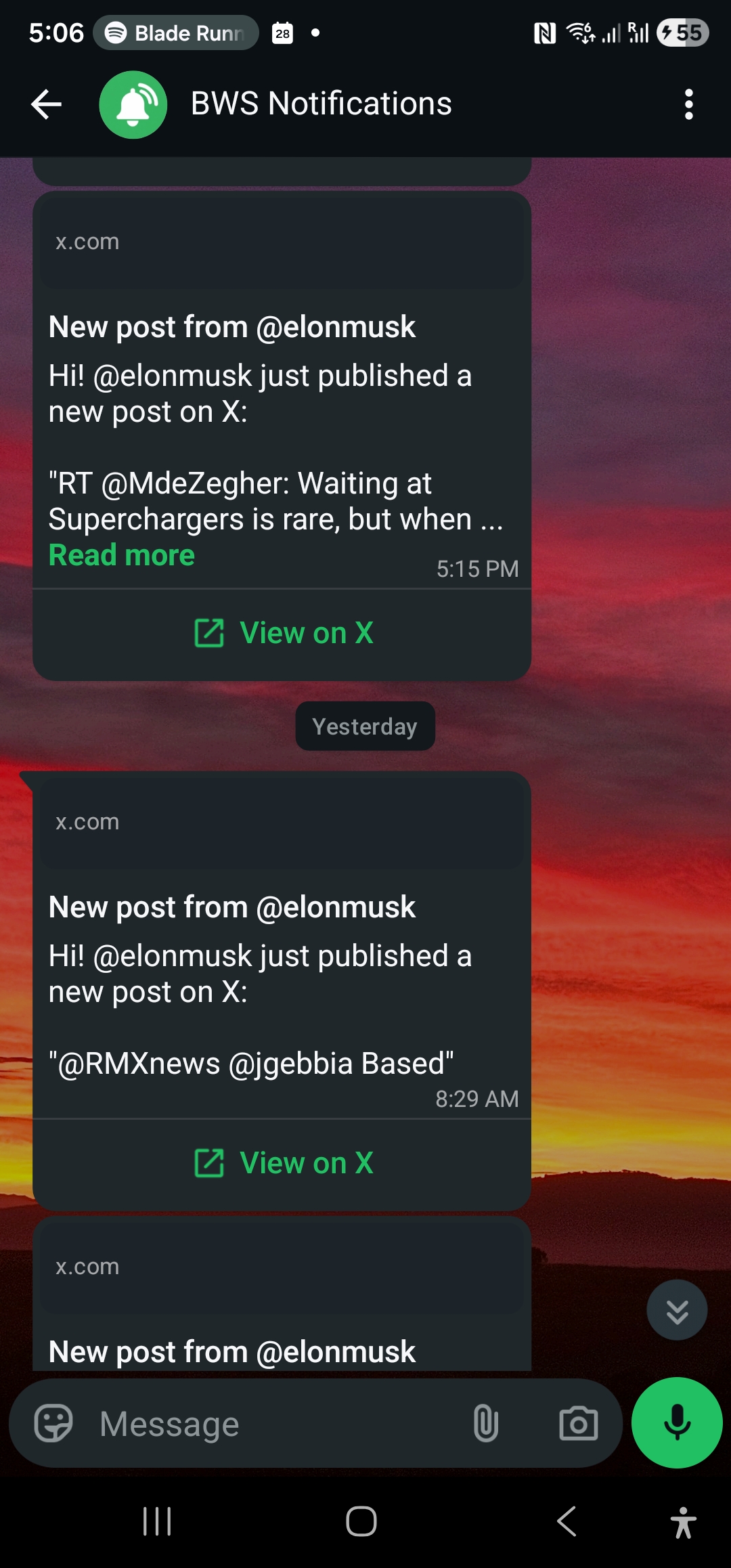
The dashboard is the fastest way to start getting X (Twitter) posts on WhatsApp. But at some point most developers want the same thing from a script: add a handle from a deploy hook, export last week’s delivery history to a spreadsheet, or check from a cron job that alerts are really landing.
This tutorial builds a small Python client for the WallaWhats REST API, step by step. By the end you will be able to add and verify a delivery channel, subscribe to X accounts, list what you follow, and page through your notification history, with sensible error handling and retries. Everything uses the requests library and the x-api-key header, and every endpoint shown here is one the API actually serves.
If you want the conceptual overview of what the API is for before diving into code, read X Alerts API: Programmatic Subscriptions and Notification History first. This post is the hands-on companion.
What you need
- A WallaWhats account. The free plan includes API access: every tier has at least one API key, so you do not need to upgrade to follow along.
- Python 3.9 or newer.
- The
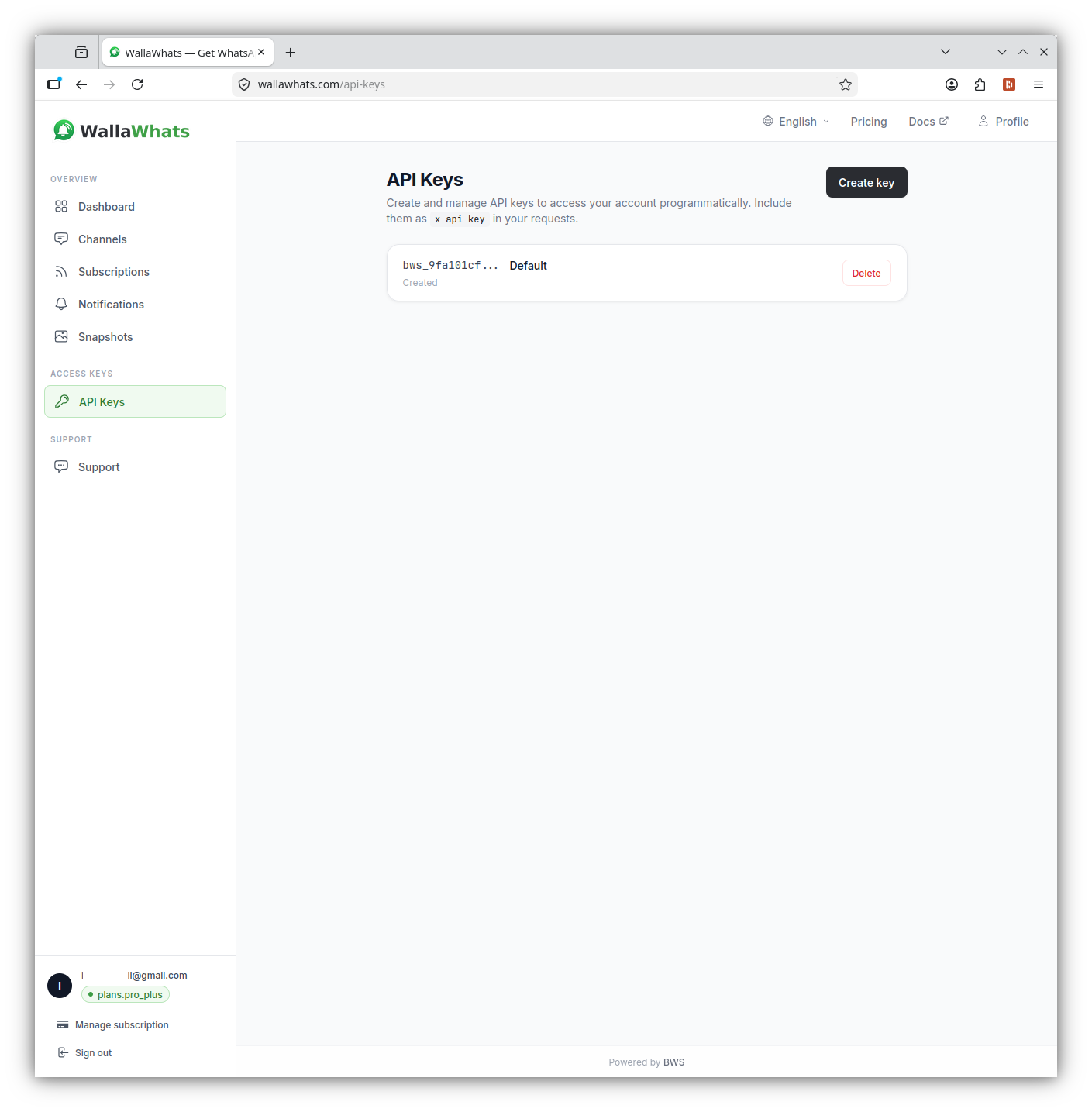
requestslibrary:pip install requests. - An API key, created in the dashboard under Settings → API Keys.
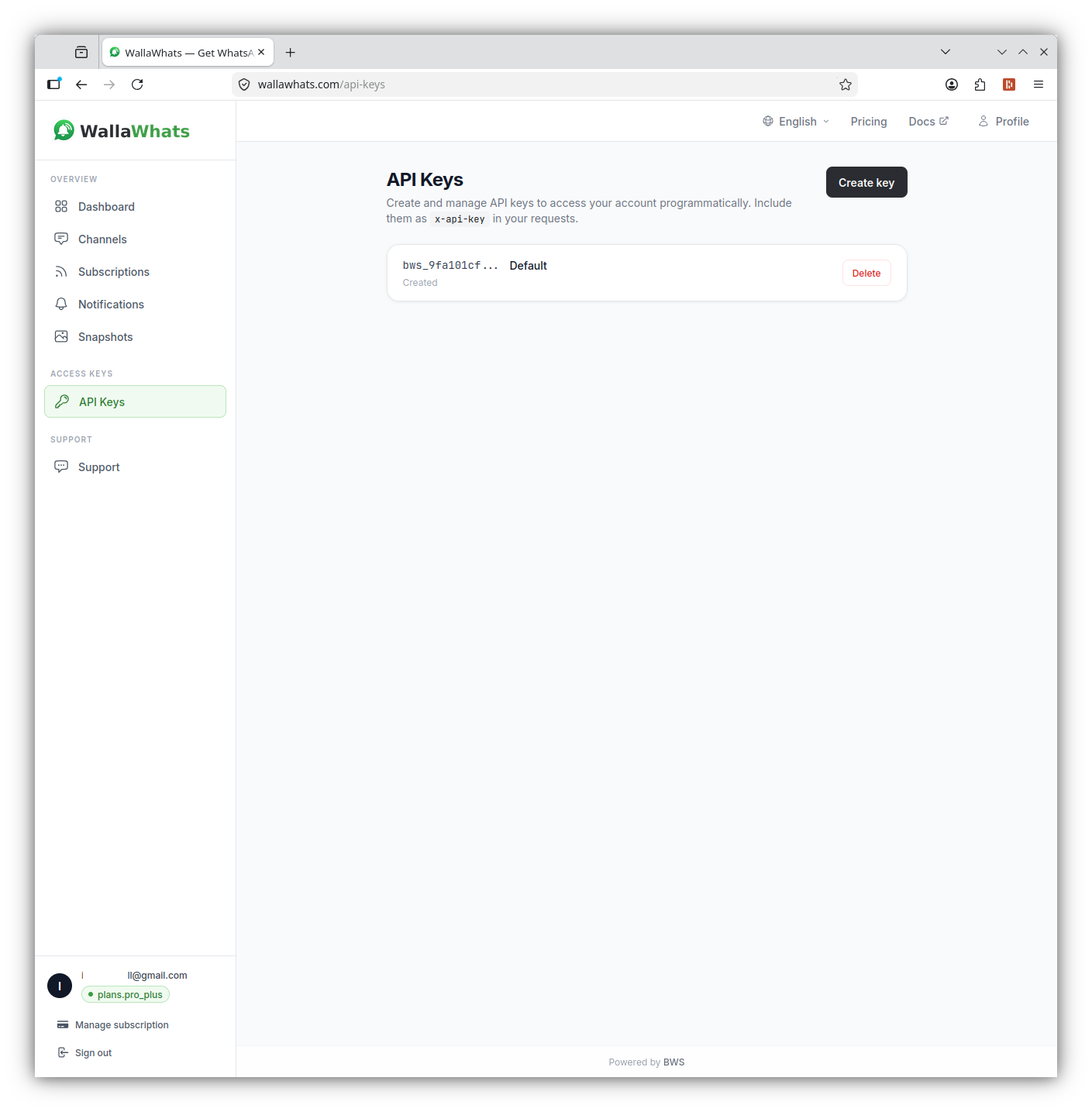
Two details about keys are worth knowing up front. A key is shown once, at creation, so copy it into your secrets manager straight away. And a key authenticates as the user who created it: it has the same permissions and counts against the same plan quotas as the dashboard does.
Keep the key out of your source code. Export it as an environment variable:
export WALLA_API_KEY="your-key-here"Step 1: A tiny client
All requests go to https://api.wallawhats.com, and the key travels in an x-api-key header. Note that this is not an Authorization: Bearer header; a bearer token will simply be rejected with 401.
Here is a minimal wrapper that does three useful things: sets the header once, raises a readable error on non-2xx responses, and retries server errors with exponential backoff.
import os
import time
import requests

BASE_URL = "https://api.wallawhats.com"


class WallaError(Exception):
    def __init__(self, status, message):
        super().__init__(f"{status}: {message}")
        self.status = status
        self.message = message


class WallaClient:
    def __init__(self, api_key=None, timeout=15):
        api_key = api_key or os.environ["WALLA_API_KEY"]
        self.session = requests.Session()
        self.session.headers.update({
            "x-api-key": api_key,
            "Content-Type": "application/json",
        })
        self.timeout = timeout

    def request(self, method, path, retries=3, **kwargs):
        url = f"{BASE_URL}{path}"
        for attempt in range(retries + 1):
            resp = self.session.request(method, url, timeout=self.timeout, **kwargs)
            # Retry only server errors; 4xx means the request itself is wrong.
            if resp.status_code >= 500 and attempt < retries:
                time.sleep(2 ** attempt)
                continue
            if not resp.ok:
                try:
                    message = resp.json().get("error", resp.text)
                except ValueError:
                    message = resp.text
                raise WallaError(resp.status_code, message)
            return resp.json() if resp.content else {}
Errors from the API come back as JSON with an error field and a status code: 400 for invalid parameters or a business-rule violation (including plan limits), 401 for a missing or invalid key, 404 for a resource that does not exist, and 500 for a server error worth retrying. The wrapper above maps exactly that: it retries 5xx, and surfaces everything else immediately so you see the real message.
Rate limits are generous for scripting. The default is 20 requests per second per API key, bursting to 40, which is far more than any of the examples here will use. A simple loop never comes close.
Step 2: Add and verify a channel
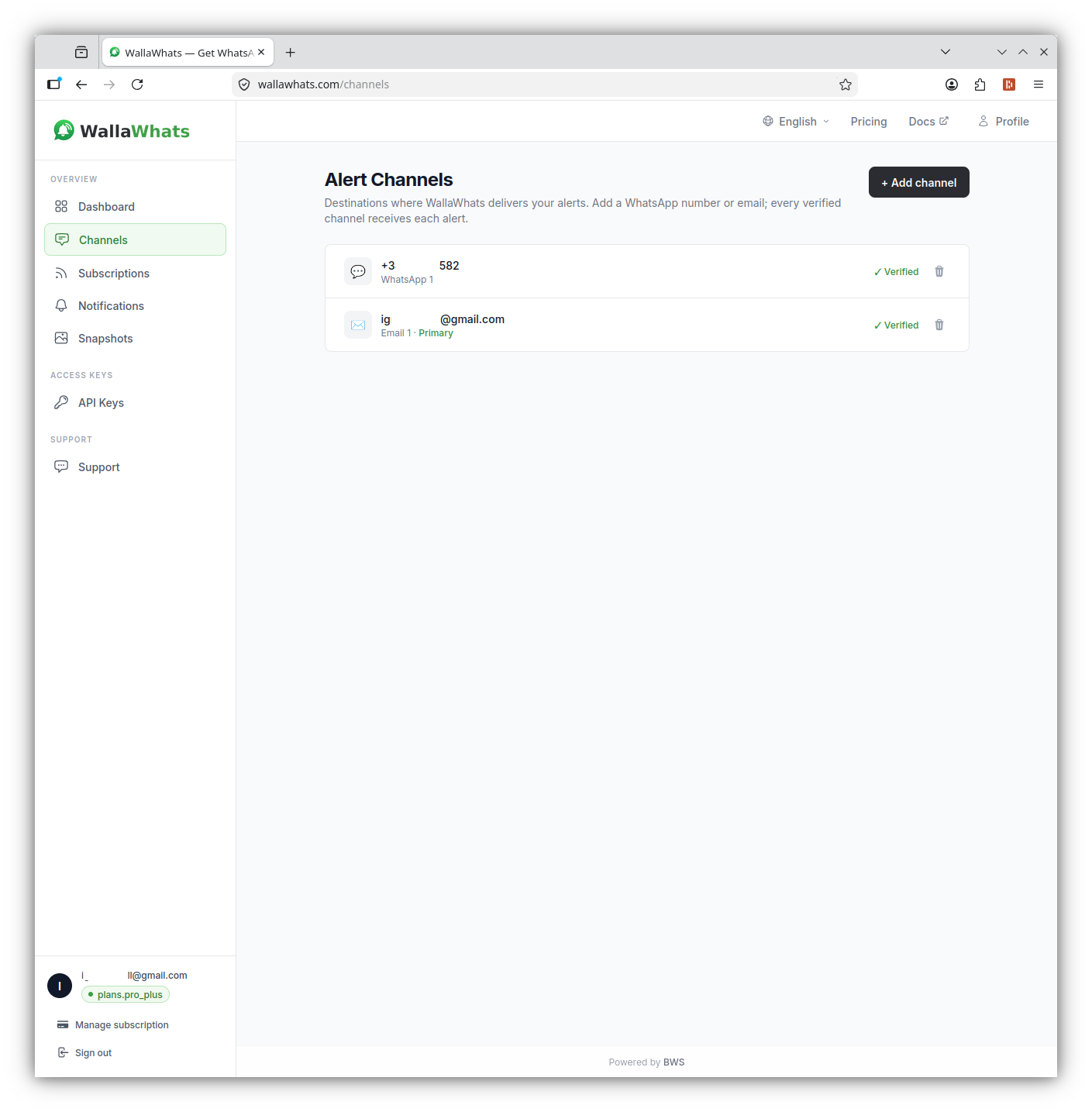
A channel is a destination for alerts: a WhatsApp number or an email address. You must have at least one verified channel before you can subscribe to an X account, so that is where we start.
Every destination verifies itself with a one-time code. WallaWhats sends a 6-digit code to the number or address you register, and only after you submit that code can alerts land there. That is deliberate: it means nobody can point alerts at a phone that has not agreed to receive them. It also means this step needs a human to read a code; you cannot fully automate your way around it, and you should not want to.
Add a WhatsApp number (use international E.164 format, with the leading +):
walla = WallaClient()

channel = walla.request("POST", "/channels", json={
    "type": "whatsapp",
    "destination": "+34612345678",
})
print(channel)
# {'channelId': '...', 'type': 'whatsapp', 'destination': '+34612345678',
#  'displayName': '...', 'status': 'pending_verification'}
The channel is created in pending_verification state and the code is sent to WhatsApp. Codes expire after 15 minutes, and repeated wrong guesses lock the code, in which case you request a fresh one.
Now submit the code you received:
code = input("Code from WhatsApp: ").strip()
walla.request("POST", f"/channels/{channel['channelId']}/verify", json={"code": code})
The same two calls work for email: set "type": "email" and "destination": "you@example.com". We recommend adding both. WhatsApp is the fast path, and an email channel is a useful second route for the same alerts, with the added benefit that email alerts include a rendered image of the post.
How do alerts get routed? There is no per-subscription channel routing. Every alert from every subscription fans out to all of your enabled and verified channels, and you switch channels on or off globally. Keep that in mind when you design a script: you do not choose a channel when you subscribe, you choose which channels are enabled.
You can list what you have at any time:
channels = walla.request("GET", "/channels")
for ch in channels["channels"]:
    print(ch["type"], ch["destination"], ch["status"], "enabled" if ch["enabled"] else "off")
And remove one with DELETE /channels/{channelId}.
Step 3: Subscribe to an X account
With a verified channel in place, subscribing is a single call. The body takes one field, xUsername, the handle without the @:
sub = walla.request("POST", "/subscriptions", json={"xUsername": "nasa"})
print(sub)
That is the whole request. There is no channel or phone_number field on a subscription, because delivery goes to your enabled, verified channels. If you send a handle with a leading @, strip it first to be safe.
A few rules to build into your script:
- Public accounts only. WallaWhats follows public posts. Protected accounts cannot be subscribed to, and the API will tell you so.
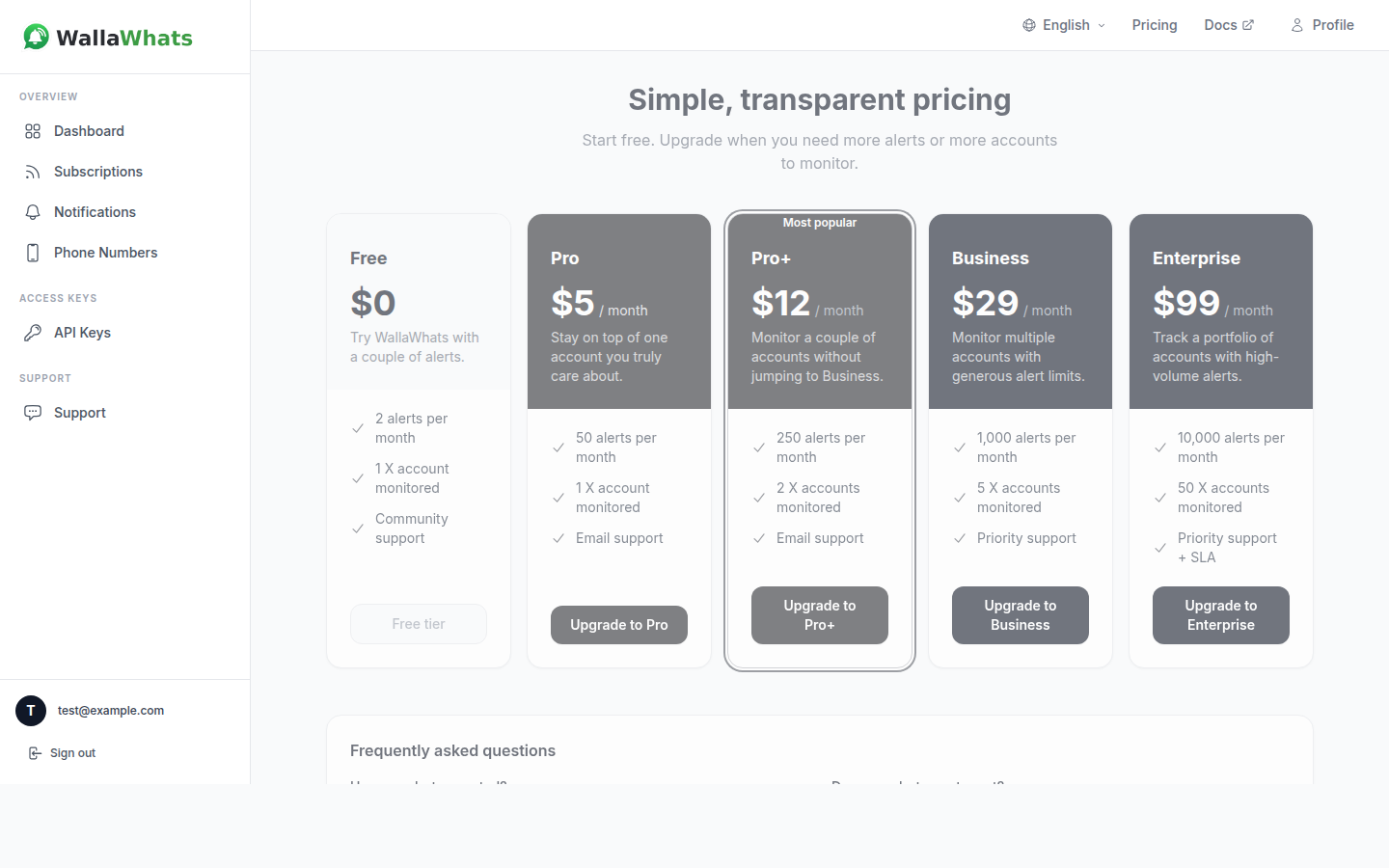
- Plan limits apply. The number of X accounts you can follow depends on your plan: 2 on Free, 3 on Pro, 10 on Pro+, 20 on Business and 50 on Enterprise. Going over returns a
400whose message tells you the limit and your plan. Catch it rather than crashing. - Handles must exist. A typo returns an error instead of silently creating a dead subscription.
Here is a helper that subscribes to a list of handles and reports what happened to each, without stopping at the first failure:
def subscribe_all(walla, handles):
    results = {}
    for handle in handles:
        handle = handle.lstrip("@")
        try:
            walla.request("POST", "/subscriptions", json={"xUsername": handle})
            results[handle] = "subscribed"
        except WallaError as err:
            results[handle] = f"failed ({err.message})"
    return results


print(subscribe_all(walla, ["nasa", "esa", "@spacex"]))
Because the loop catches WallaError per handle, one unknown username or a plan limit does not abort the others.
Step 4: List and remove subscriptions
Listing is a plain GET:
data = walla.request("GET", "/subscriptions")
print(f"Following {data['count']} accounts")
for s in data["subscriptions"]:
    print("-", s["xUsername"])
Removing one uses the handle itself in the path, not an internal ID:
walla.request("DELETE", "/subscriptions/nasa")This pair is enough to keep a subscription list in sync with a source of truth. For example, you might keep a watchlist.txt in your repository and run a script on each deploy that diffs it against GET /subscriptions: subscribe to handles that are new, and delete the ones that were removed.
def sync_watchlist(walla, wanted):
    wanted = {h.lstrip("@").lower() for h in wanted}
    current = {
        s["xUsername"].lower()
        for s in walla.request("GET", "/subscriptions")["subscriptions"]
    }
    for handle in sorted(wanted - current):
        walla.request("POST", "/subscriptions", json={"xUsername": handle})
        print("added", handle)
    for handle in sorted(current - wanted):
        walla.request("DELETE", f"/subscriptions/{handle}")
        print("removed", handle)
Run it with the free plan’s two-account limit in mind, or against a bigger plan if your list is longer. The 400 raised when you hit the cap will stop the sync loudly, which is the behaviour you want from automation.
Step 5: Read your notification history
Every alert WallaWhats sends is logged, with a delivery status, and the API exposes that log. This is the endpoint to reach for when someone asks “did the alert actually go out?“.
GET /notifications?from=<ms>&to=<ms>&lastKey=<cursor>from and to are millisecond epoch timestamps. Results are paginated: a page holds up to 50 items, and if there is more, the response includes a lastKey cursor to pass back. When lastKey is absent, you have reached the end.
One thing to understand about the shape of the data: the history holds one row per post per channel. If you have both WhatsApp and email enabled, a single post produces two rows, one for each channel, and each row carries a channelType. The row also has the handle (xUsername), the post text (tweetText), a link back to the original post on x.com (tweetUrl), and a status.
Here is a generator that walks every page for a time window:
import time


def iter_notifications(walla, since_ms, until_ms=None):
    params = {"from": since_ms}
    if until_ms is not None:
        params["to"] = until_ms
    while True:
        page = walla.request("GET", "/notifications", params=params)
        yield from page["notifications"]
        last_key = page.get("lastKey")
        if not last_key:
            return
        params["lastKey"] = last_key


# Everything from the last 24 hours
day_ago = int((time.time() - 24 * 3600) * 1000)
for n in iter_notifications(walla, day_ago):
    print(n["status"], n["channelType"], n["xUsername"], n["tweetUrl"])
The lastKey is an opaque cursor, so treat it as a string you hand back untouched. Don’t try to decode or build it yourself. There is also no server-side filter on status, so filtering happens in your own code, which is easy enough.
Understanding status values
Each row carries one of five statuses:
| Status | Meaning |
|---|---|
queued | The alert is waiting to be sent. |
sent | It was handed off to the channel provider. |
delivered | The provider confirmed delivery to the destination. |
read | WhatsApp only, and only if the recipient has read receipts on. |
failed | Delivery did not succeed; errorMessage may explain why. |
Don’t build logic that depends on read. It appears only for WhatsApp and only when the recipient has read receipts enabled, so its absence tells you nothing. For a health check, sent, delivered and read all count as “went out”, and failed is the one to watch.
For a deeper tour of what each state means in practice, see Notification History and Delivery Status.
Step 6: A delivery health check you can run from cron
Putting the pieces together, here is a short script that looks at the last 24 hours and reports how many alerts went out and how many failed, exiting non-zero if anything failed so a cron job or CI step can flag it:
import sys
import time
from collections import Counter


def main():
    walla = WallaClient()
    since = int((time.time() - 24 * 3600) * 1000)

    by_status = Counter()
    failures = []
    for n in iter_notifications(walla, since):
        by_status[n["status"]] += 1
        if n["status"] == "failed":
            failures.append(n)

    total = sum(by_status.values())
    print(f"{total} notification rows in the last 24h: {dict(by_status)}")

    for n in failures:
        print(f"FAILED  {n['channelType']:<8} @{n['xUsername']}  {n.get('errorMessage', '')}")
        print(f"        {n['tweetUrl']}")

    sys.exit(1 if failures else 0)


if __name__ == "__main__":
    main()
Because the history is per channel, a failure on one channel does not mean you missed the post: if you have email enabled as a second route, the same post has its own row for that channel. The script prints the channel type so you can tell which route had the problem.
Handling bursts: velocity caps and digests
If you subscribe to an account that occasionally posts dozens of times in an hour, you will not get dozens of separate messages. Each plan has a velocity cap, a per-user number of alerts per rolling 60-minute window: 2 on Free, 5 on Pro, 15 on Pro+, 30 on Business and 100 on Enterprise. Posts beyond the cap are buffered and sent as a single digest message per account, which is flushed every 15 minutes.
For a script, the practical consequence is that a burst can show up in /notifications as fewer rows than the number of posts you saw on X. That is the system behaving as designed, not data loss. The background is in Velocity Caps: How WallaWhats Stops Alert Storms.
Also remember the separate monthly alert allowance, which is 3 on Free, 50 on Pro, 250 on Pro+, 1,000 on Business and 3,000 on Enterprise. If you are scripting against a high-volume account, check your plan against how often that account posts before relying on it.
Setting expectations on latency
Alerts arrive within seconds of a post becoming publicly visible on X, when the post is available to us. Please avoid designing anything that depends on exact timing or on seeing literally every post: edge cases such as deleted-in-flight posts or protected accounts mean that “near real-time” is the honest description. If you are building something where a missed post would be costly, use the notification history as a cross-check, not as the single source of truth.
A related point: WallaWhats passes post text through as published and links back to the original on x.com. Treat the stored text as a short-lived delivery record rather than an archive. The searchable snapshot gallery in the dashboard keeps rendered images of posts for 30 days, and if a post is deleted on X, our cached copy follows.
Common mistakes
- Using
Authorization: Bearer. The header isx-api-key. Using the wrong one is the number-one cause of401responses. - Sending a channel or phone field with a subscription. The body is just
{"xUsername": "..."}. Delivery uses your enabled channels. - Subscribing before verifying. Add and verify at least one channel first, or
POST /subscriptionsreturns a400. - Ignoring pagination. If your window holds more than 50 rows, you need
lastKeyto see the rest. - Hardcoding the key. Read it from the environment or your secrets manager, and rotate by creating a new key, switching over and deleting the old one. Keys are valid for 365 days.
- Retrying
400s. A400is a rule about your request or plan; retrying never fixes it. Only retry5xx.
When the dashboard is enough
Not everyone needs the API. If you follow a handful of accounts and just want the alerts on your phone, the dashboard takes about two minutes and the script above would be overhead. The API earns its place when subscriptions come from somewhere else (a watchlist file, an internal tool, an onboarding flow) or when you want delivery history in a report or an alerting pipeline of your own.
Everything in this tutorial works alongside the X app, not instead of it: keep your usual feed for browsing, and let a script handle the part that is repetitive. If you want an alternative angle on the same workflow without writing code, IFTTT and Zapier Alternative: X to WhatsApp Without Glue Code compares the no-code route.
Summary
You now have a working Python client for the WallaWhats API: a session with x-api-key and retries, channel creation and verification, subscribe and unsubscribe, a watchlist sync, a paginated notification iterator, and a cron-friendly health check. From here, natural next steps are wrapping the client in a small CLI, posting the health-check output to your team chat, or running the watchlist sync in CI. For the full reference of every route and field, see the API reference and the API access guide.
Never miss an important post again. Create a free account — 1 WhatsApp number, real-time alerts, no credit card required.
About the author
Nacho Coll
Founder & Engineer at WallaWhats
Nacho founded WallaWhats so you get the alerts that matter without depending on X's algorithm to surface them — pick the accounts you care about and get a WhatsApp for every post the moment it goes live, in order, nothing throttled or buried. Writes about real-time notification systems, social-signal monitoring, and serverless delivery pipelines from the operator side of the wire.