Avoiding Alert Storms: How Velocity Caps Keep WhatsApp Sane
When a monitored account posts 30 times in a minute, you don't want 30 WhatsApp pings. Here is how per-plan velocity caps and digest batching work.
 by Nacho Coll
Nacho founded WallaWhats so you get the alerts that matter without depending on X's algorithm to surface them — pick the accounts you care about and get a WhatsApp for every post the moment it goes live, in order, nothing throttled or buried.
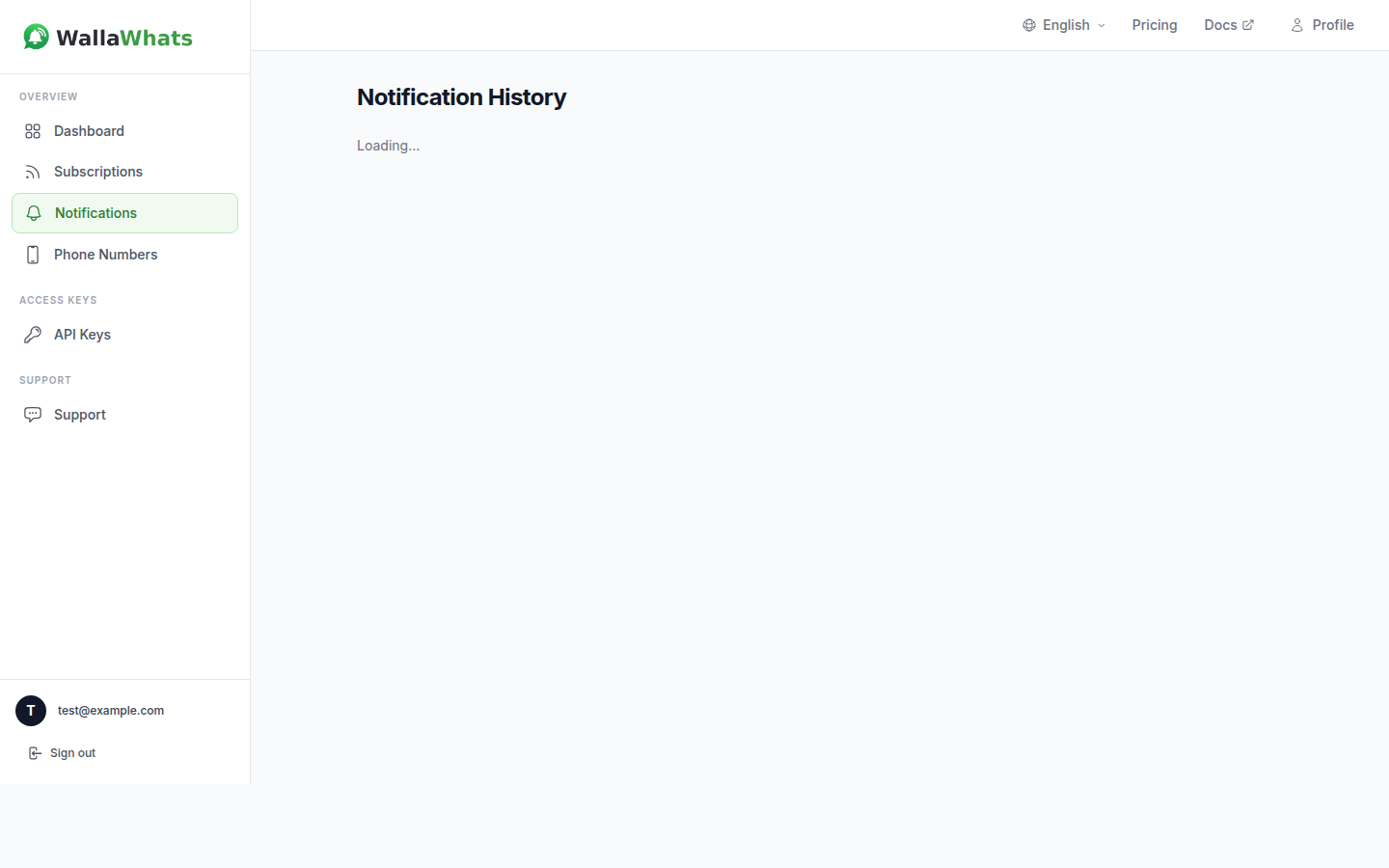
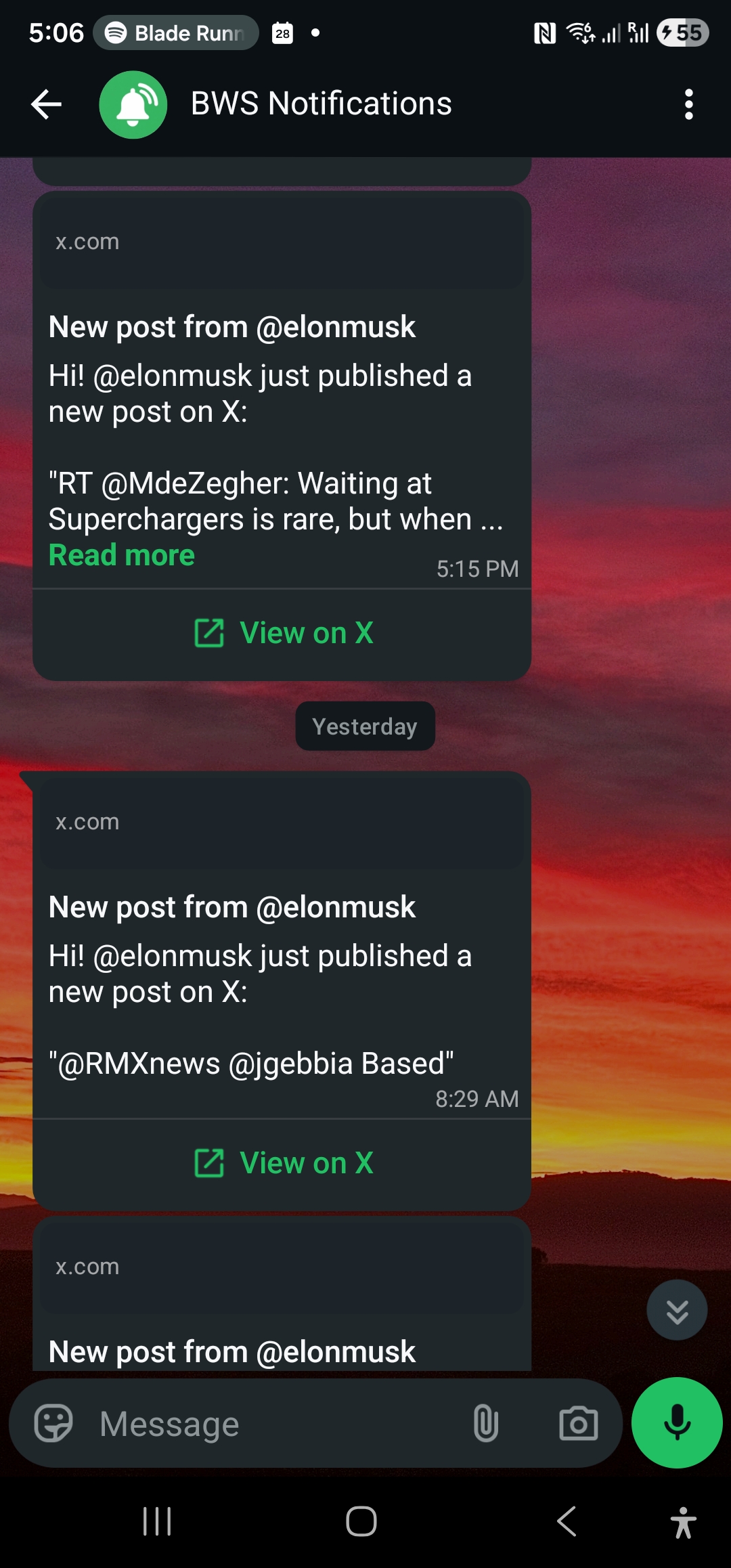
Picture this: you’re monitoring @ElonMusk’s X account for market-moving announcements. It’s 2 AM and Elon starts a 45-minute Twitter storm — posting rapid-fire thoughts about Tesla’s next earnings, SpaceX launches, and his thoughts on AI regulation. Within an hour, your WhatsApp explodes with 30+ notifications, each ping jolting you awake.
This is the nightmare scenario that velocity caps were designed to prevent. When high-activity accounts go into burst mode during breaking news, AMAs, or late-night posting sprees, you need protection from notification floods that can overwhelm your phone and make it impossible to focus on what actually matters.
The Problem: High-Activity Accounts Create Alert Storms
Some X accounts are naturally bursty. News organizations during breaking stories, crypto influencers during market volatility, tech founders during product launches, or politicians during debates can easily post 20-50 times in a single hour. Without proper flood control, your real-time alerts become a liability rather than an asset.
Consider these common scenarios:
Breaking News Events: When a major story breaks, journalists and news accounts often post rapid updates as information develops. A single reporter might post 15-20 times in 30 minutes during a developing crisis.
Crypto Market Volatility: During significant price movements, crypto analysts and traders frequently post rapid-fire market commentary, technical analysis updates, and breaking news that can trigger dozens of alerts in minutes.
Product Launches: Tech executives often live-tweet product announcements, sharing everything from feature details to behind-the-scenes insights over extended periods.
AMAs and Q&A Sessions: When public figures host impromptu Q&A sessions on X, they might answer dozens of questions in rapid succession.
Each of these scenarios represents valuable signal when it happens — but receiving 30 individual WhatsApp pings in 20 minutes quickly becomes noise rather than useful information.
How WallaWhats Velocity Caps Work
WallaWhats implements intelligent velocity caps that protect you from notification floods while ensuring you never miss important updates. Here’s how the system works:
Per-User Rate Limiting
Velocity caps are applied per-user across all your subscriptions on a rolling 60-minute window. This means if you’re monitoring 10 accounts and your plan includes a 5 alerts/hour cap, you’ll receive the first 5 alerts from any combination of those accounts, regardless of which specific handles generate them.
The cap resets continuously — it’s not a hard hourly boundary. Instead, the system tracks your alerts over the past 60 minutes. If you received 5 alerts between 2:00-3:00 PM, you can start receiving new alerts again at 2:01 PM (60 minutes after your first alert in that window).
Plan-Based Caps
Each WallaWhats plan includes different velocity limits designed to match typical usage patterns:
- Free Plan: 2 alerts per hour
- Pro Plan: 5 alerts per hour
- Pro+ Plan: 15 alerts per hour
- Business Plan: 30 alerts per hour
- Enterprise Plan: 100 alerts per hour
These limits are calibrated based on real user behavior. Most users monitoring 2-3 accounts rarely hit even the Free tier limit during normal periods, but the caps provide crucial protection during high-activity events.
What Happens When You Hit the Cap
When your velocity cap is reached, WallaWhats doesn’t simply drop additional tweets. Instead, excess alerts are buffered into a digest system that ensures you still receive all the important information — just in a more manageable format.
Here’s the step-by-step process:
- Normal Operation: Alerts 1-N (where N is your plan’s hourly limit) are delivered immediately to all your verified channels
- Cap Reached: Additional tweets are stored in a digest buffer instead of triggering immediate alerts
- Digest Generation: Every 15 minutes, an automated system processes the buffered tweets
- Digest Delivery: You receive one digest message per monitored account that had buffered tweets
- Multi-Channel Delivery: Digest messages are sent to all your enabled channels, just like regular alerts
Understanding Digest Messages
When velocity caps trigger digest mode, you’ll receive specially formatted messages that summarize the buffered activity. Here’s what a typical digest looks like:
WhatsApp Digest Format:
📊 WallaWhats Digest: @elonmusk (3 tweets, 2:45-3:00 PM)

• "Thinking about Mars colony architecture again..."
• "Tesla FSD beta 12.3 rolling out next week"
• "The future is going to be wild 🚀"

View all tweets: https://x.com/elonmusk
Email Digest Format: Email digests include the same text summary plus rendered PNG snapshots of each buffered tweet, maintaining the visual context you get with individual alerts while keeping your inbox manageable.
Digest Timing and Grouping
Digests are generated every 15 minutes by an EventBridge-scheduled Lambda function. This timing balances timeliness with practical usability — frequent enough that you’re not waiting hours for updates, but infrequent enough to prevent notification spam during extended high-activity periods.
Importantly, digests are grouped per (user, X-handle) combination. If you’re monitoring both @elonmusk and @vercel and both accounts hit high activity simultaneously, you’ll receive separate digest messages for each account rather than one combined summary.
Velocity Caps Across Channels
One crucial aspect of WallaWhats’ velocity cap system is that limits apply to all your enabled channels collectively, not per-channel. This unified approach prevents sophisticated workarounds while maintaining simplicity.
For example, if you have both WhatsApp and email enabled and your plan allows 5 alerts per hour:
- Alert #1 goes to both WhatsApp AND email (counts as 1 toward your cap)
- Alert #2 goes to both WhatsApp AND email (counts as 1 toward your cap)
- Continue until alert #5
- Alert #6+ are buffered for digest delivery to both channels
This design ensures that velocity caps provide meaningful protection regardless of how many notification channels you’ve configured.
Monitoring Your Velocity Usage
The WallaWhats dashboard provides visibility into your current velocity cap usage through several mechanisms:
Real-Time Status
Your dashboard shows “Messages this month” statistics that reflect sent, delivered, and read alerts across all channels in the current UTC cycle. This helps you understand your overall notification volume and whether you’re frequently hitting velocity limits.
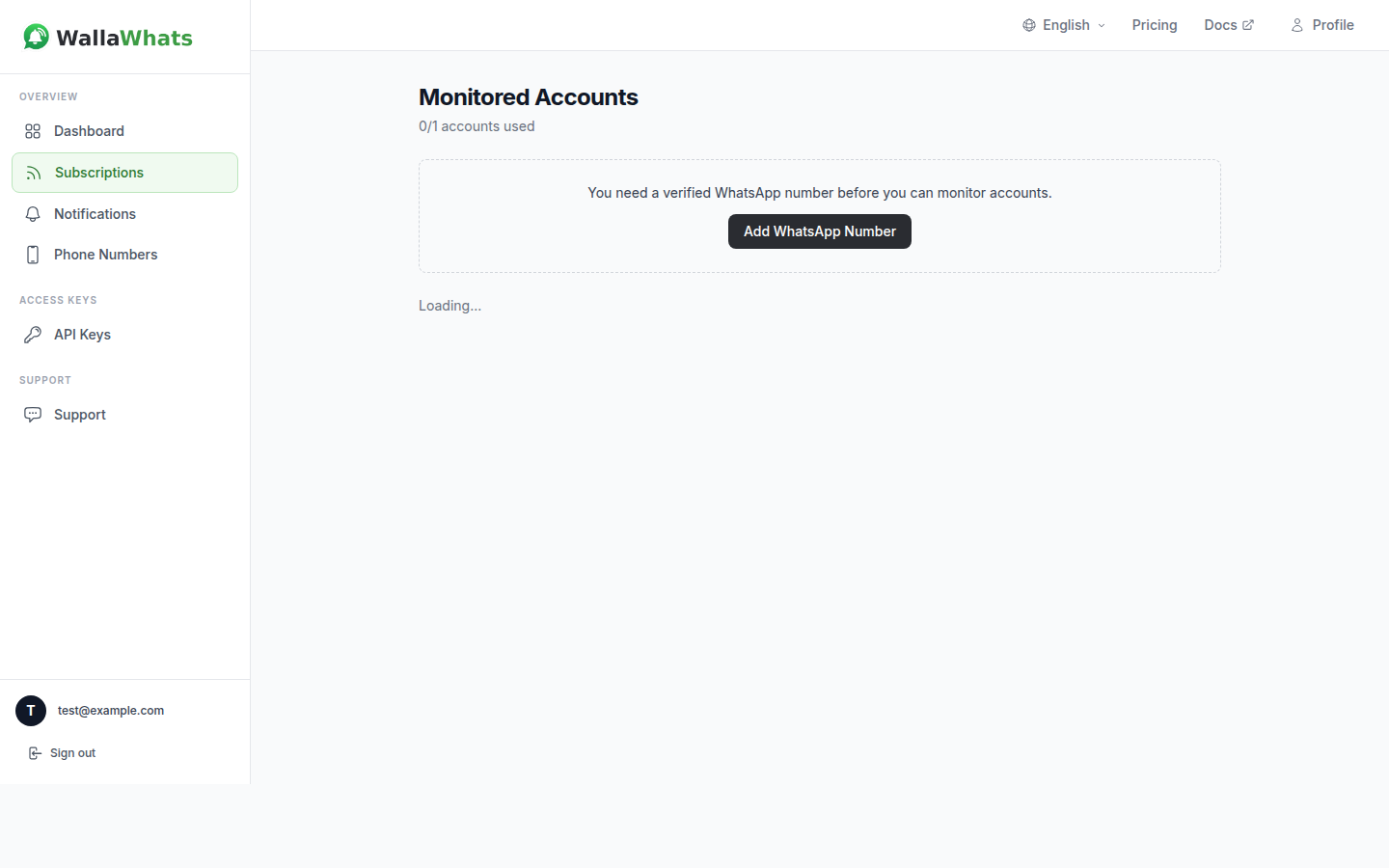
Notification History
The notifications history page provides detailed insight into every alert, including:
- Individual message status (queued/sent/delivered/read/failed)
- Timestamp information for understanding burst patterns
- Channel-specific delivery details
- Digest vs. individual alert identification
API Monitoring
For users leveraging the WallaWhats API, you can programmatically monitor your notification patterns:
curl -H "x-api-key: your-api-key" \
  "https://api.wallawhats.com/notifications?from=1609459200000&to=1609545600000"
The API response includes timing data that helps you understand when velocity caps engaged and how much content was digest-batched vs. delivered immediately.
Optimizing for Your Use Case
Different monitoring scenarios benefit from different approaches to velocity cap management:
High-Frequency Trading and Market Analysis
If you’re monitoring multiple crypto traders or financial analysts, consider the Pro+ plan (15 alerts/hour) or Business plan (30 alerts/hour). During major market events, you want immediate alerts for the first several posts from each key account, with digests capturing the detailed analysis that follows.
Breaking News Monitoring
Journalists and news professionals often benefit from the Business plan’s 30 alerts/hour cap. This provides immediate alerts for breaking developments while still protecting against notification storms during extended coverage periods.
Competitive Intelligence
For monitoring competitor announcements, the Pro plan (5 alerts/hour) often suffices. Product announcements rarely happen in rapid bursts, and the digest system ensures you capture any follow-up posts or clarifications. See our guide on how to monitor competitors on X for a complete setup walkthrough, including which accounts to track and how to structure alerts at scale.
Personal Interest Following
If you’re casually following thought leaders or industry experts, the Free plan’s 2 alerts/hour with digest backup provides good protection against notification fatigue while ensuring you don’t miss important content.
Technical Implementation Details
Understanding how velocity caps work under the hood can help you optimize your monitoring strategy:
Rolling Window Calculation
The 60-minute rolling window means your available “alert budget” refreshes continuously rather than resetting at fixed hourly intervals. This provides more natural behavior — if you received 5 alerts between 2:00-2:30 PM, you’ll start getting immediate alerts again at 3:00 PM (60 minutes after the first alert), not at 3:00 PM sharp.
Buffer Processing
The digest buffer system uses EventBridge to trigger processing every 15 minutes. During processing, buffered tweets are:
- Grouped by (user, X-handle) combination
- Sorted chronologically
- Formatted into digest messages
- Delivered to all enabled, verified channels
- Removed from the buffer
This means the maximum delay for any tweet to reach you is 15 minutes (if it arrives immediately after a digest processing cycle).
Cross-Account Behavior
Velocity caps apply across all your monitored accounts. This design prevents the system from becoming overly complex while providing meaningful protection. If @account1 posts 3 times and @account2 posts 3 times within an hour, and your cap is 5 alerts/hour, you’ll receive 5 immediate alerts from whichever accounts post first, with the remaining tweet going to digest.
Best Practices for Velocity Cap Management
Choose the Right Plan
Evaluate your typical monitoring needs during both normal and high-activity periods. If you frequently hit your velocity cap during important events, consider upgrading to a higher tier rather than missing immediate alerts for time-sensitive content.
Monitor Usage Patterns
Use the notifications history to understand your actual alert patterns. Many users discover they need fewer immediate alerts than expected, allowing them to optimize for a lower-cost plan with effective digest coverage.
Consider Time Zones
Velocity caps operate on UTC boundaries for daily statistics, but the rolling 60-minute window for rate limiting operates in real-time. If you’re monitoring accounts that are most active during specific time zones, factor this into your plan selection.
Channel Strategy
Remember that enabling multiple channels (WhatsApp + email) doesn’t increase your velocity cap — each alert fans out to all enabled channels. Design your channel strategy around delivery preferences rather than attempting to increase throughput.
Integration with Existing Workflows
Velocity caps work seamlessly with existing WallaWhats features:
API Access
All plans include API access, allowing you to programmatically retrieve both immediate alerts and digest content through the notifications endpoint. This enables integration with existing monitoring dashboards or alert systems.
Tweet Snapshots
Both immediate alerts and digest messages include access to tweet snapshots through the 30-day gallery. This ensures you maintain visual context for important posts regardless of whether they were delivered immediately or via digest.
Multi-Account Monitoring
Velocity caps make multi-account monitoring more practical by preventing any single high-activity account from overwhelming your notification channels while you’re tracking multiple sources.
Looking Ahead
The velocity cap system represents WallaWhats’ commitment to practical, real-world usability. As X usage patterns evolve and new types of high-frequency content emerge, the system can be tuned to maintain the right balance between immediate awareness and notification sanity.
For most users, velocity caps operate invisibly in the background — providing protection when needed while never interfering with normal monitoring activities. When they do engage, the digest system ensures you still receive comprehensive coverage of all activity from your monitored accounts.
Real-time alerts are most valuable when they provide actionable intelligence without overwhelming your attention. Velocity caps make that balance possible, letting you monitor high-activity accounts with confidence that important updates will reach you promptly while protecting your focus during notification storms.
Never miss an important post again. Create a free account — 1 WhatsApp number, real-time alerts, no credit card required.
About the author
Nacho Coll
Founder & Engineer at WallaWhats
Nacho founded WallaWhats so you get the alerts that matter without depending on X's algorithm to surface them — pick the accounts you care about and get a WhatsApp for every post the moment it goes live, in order, nothing throttled or buried. Writes about real-time notification systems, social-signal monitoring, and serverless delivery pipelines from the operator side of the wire.