How Many X Alerts Do You Actually Need? Picking a WallaWhats Plan by Monthly Volume
Not sure which plan fits? Estimate your monthly X alert volume from posting rates, then match it to the monthly cap, account limit and velocity cap of each tier.
 by Nacho Coll
Nacho founded WallaWhats so you get the alerts that matter without depending on X's algorithm to surface them — pick the accounts you care about and get a WhatsApp for every post the moment it goes live, in order, nothing throttled or buried.
Most people choose an alert plan the wrong way round. They look at the price, pick the cheapest tier, and find out three weeks later that a single busy account used up the month’s allowance in an afternoon. Or they pick the biggest tier “to be safe” and pay for volume they never use.
There is a better way: work out how many alerts you will actually receive, then pick the plan that covers it. The arithmetic takes five minutes, and this guide walks through it.
Why volume decides the plan
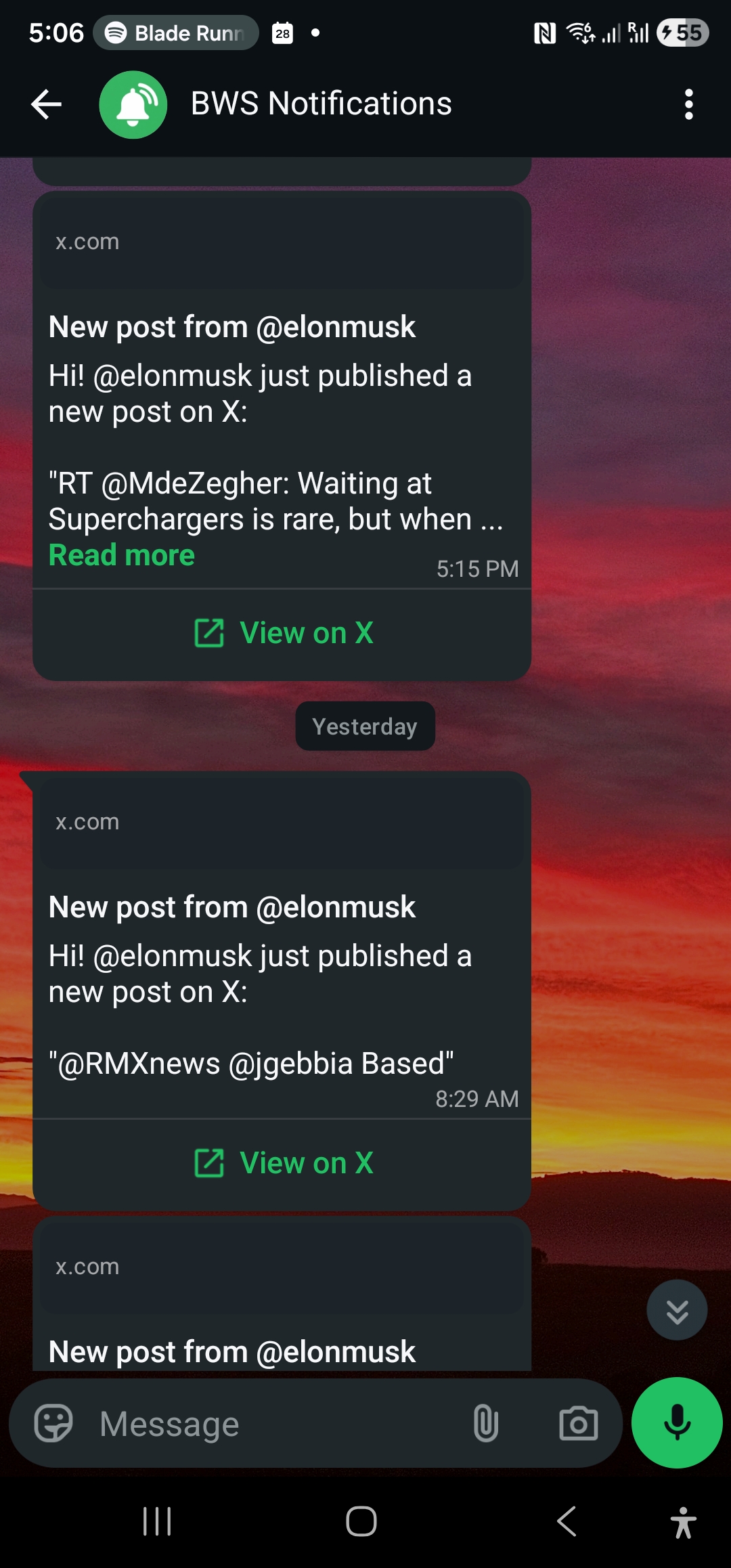
WallaWhats sends a WhatsApp message (and, if you enable it, an email) shortly after a public X account you follow publishes a new post. Three numbers on every plan shape your experience:
- Monthly alerts. How many alerts can be delivered to your phone in a calendar month.
- X accounts. How many handles you can follow at once.
- Velocity cap. How many alerts per hour can arrive individually before extras are batched into a digest.
The monthly cap is a budget. The account limit is a breadth limit. The velocity cap is a safety valve. Each answers a different question, and mixing them up is the most common planning mistake.
Step 1: Estimate alerts per month from posting rates
An alert is triggered by a new post from an account you follow. So your monthly volume is roughly:
alerts per month ≈ sum over accounts of (posts per day × 30)You do not need exact figures. Open each account’s profile and look at a typical week. Then bucket the accounts:
| Account style | Typical posts/day | Alerts/month (approx.) |
|---|---|---|
| Rare announcer (company status page, a maintainer who posts releases) | 0.1–0.3 | 3–9 |
| Steady poster (a journalist, a founder, a brand account) | 2–5 | 60–150 |
| Heavy poster (a news desk, a very active trader or creator) | 10–30 | 300–900 |
These are planning estimates, not measurements of any real account. Your own sample week beats any table.
Two honest caveats. First, volume is bursty: one product launch or breaking story can produce more posts in a day than an account usually makes in a week. Second, WallaWhats delivers new public posts within seconds when they are available, but it is not a promise of every post from every account (protected accounts, deleted posts and brief outages are real edge cases). Plan on “most posts, near real time”, not “literally everything”.
Step 2: Worked examples
The selective follower
You follow two accounts: your company’s status page and one industry analyst who posts a couple of times a day.
- Status page: about 5 alerts a month.
- Analyst: about 2 posts/day × 30 = 60 alerts a month.
Total: roughly 65 a month, over two accounts. That is well above the Free allowance of 3, and just over Pro’s 50, so Pro+ (250 alerts, 10 accounts) is the comfortable fit. If you would rather stay on Pro, follow the status page and skip the analyst’s chattier days by choosing a quieter account.
The lesson: allowances are small on purpose, and the cheap tiers suit a few quiet, high-signal accounts.
The beat reporter
You follow ten accounts: sources, agencies, and a few officials who make news. Most post a handful of times a day, a couple are heavy.
- 6 steady accounts × ~90 = 540
- 2 rare accounts × ~6 = 12
- 2 heavy accounts × ~300 = 600
Total: about 1,150 a month across 10 accounts. The 10 accounts fit Pro+, but the volume does not (250). That points to Business (1,000 alerts, 20 accounts). You would sit near the cap in a busy month, so look at the heaviest accounts and consider whether you really need every post from them.
The small team monitoring a market
A small team follows 30 accounts: competitors, partners, regulators, and customers’ public brand handles. Even at 2 posts a day on average, that is 30 × 60 = 1,800 alerts a month. The account count rules out everything below Enterprise (50 accounts, 3,000 alerts), and the volume rules out Business. This is what the top tier is for.
Step 3: The plan ladder
These are the limits as they stand today:
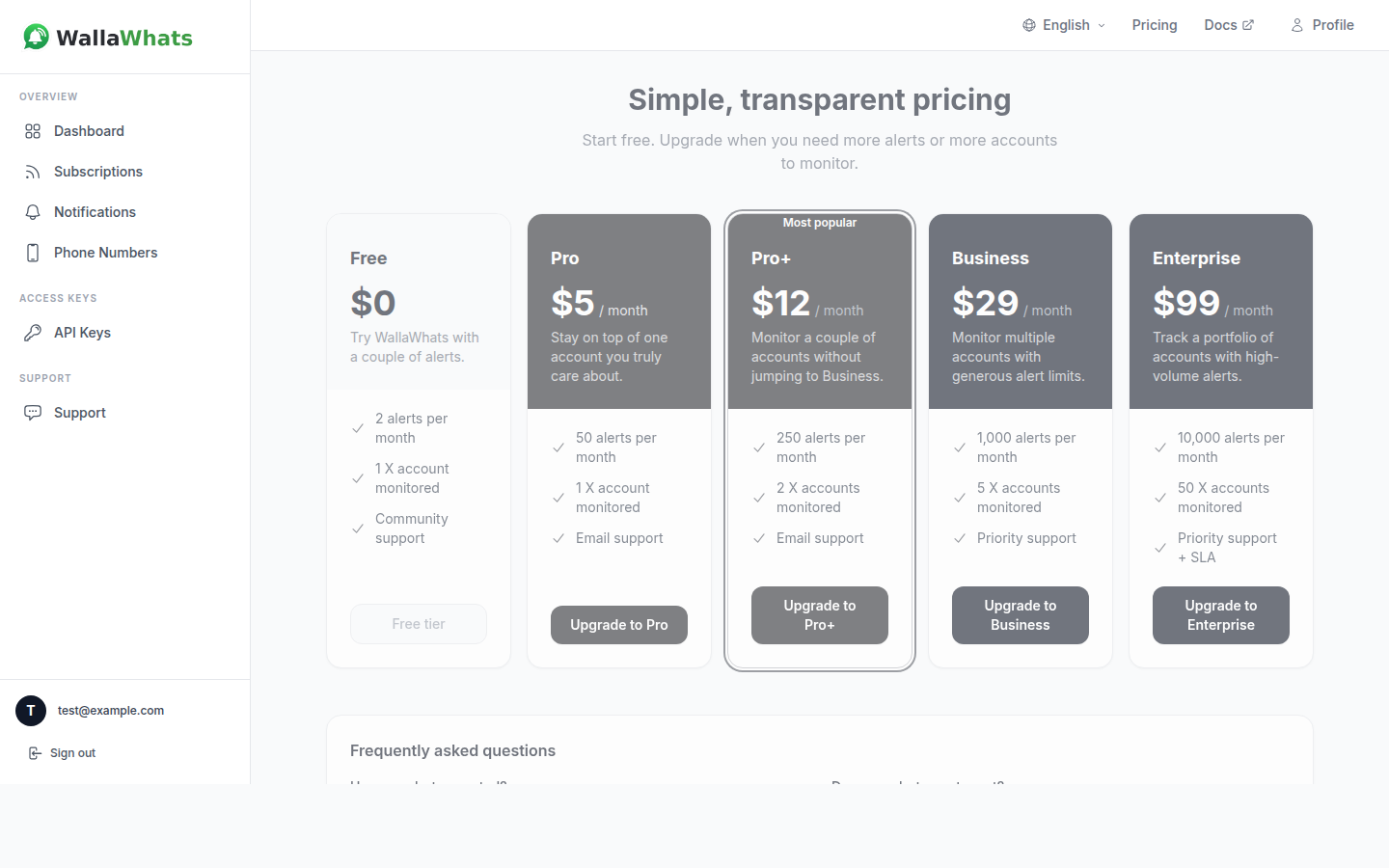
| Plan | Price | Monthly alerts | X accounts | Velocity cap (alerts/hour) | API keys |
|---|---|---|---|---|---|
| Free | $0 | 3 | 2 | 2 | 1 |
| Pro | $5 | 50 | 3 | 5 | 1 |
| Pro+ | $12 | 250 | 10 | 15 | 2 |
| Business | $29 | 1,000 | 20 | 30 | 5 |
| Enterprise | $99 | 3,000 | 50 | 100 | 20 |
A few things worth noticing:
- Free is a trial of the whole experience. Three alerts and two accounts is enough to verify your WhatsApp number, watch a real alert arrive, and see what a tweet snapshot looks like. It is not a monitoring plan.
- Features are not the upgrade lever. Tweet snapshots, notification history and API access are available on every plan, Free included. You are paying for volume and breadth, not for unlocking capabilities.
- The account limit and the alert limit move together, but not proportionally. Pro gives you 3 accounts and 50 alerts; Pro+ jumps to 10 accounts and 250. If your accounts are quiet, you may hit the account limit first. If your accounts are loud, you hit the alert limit first.
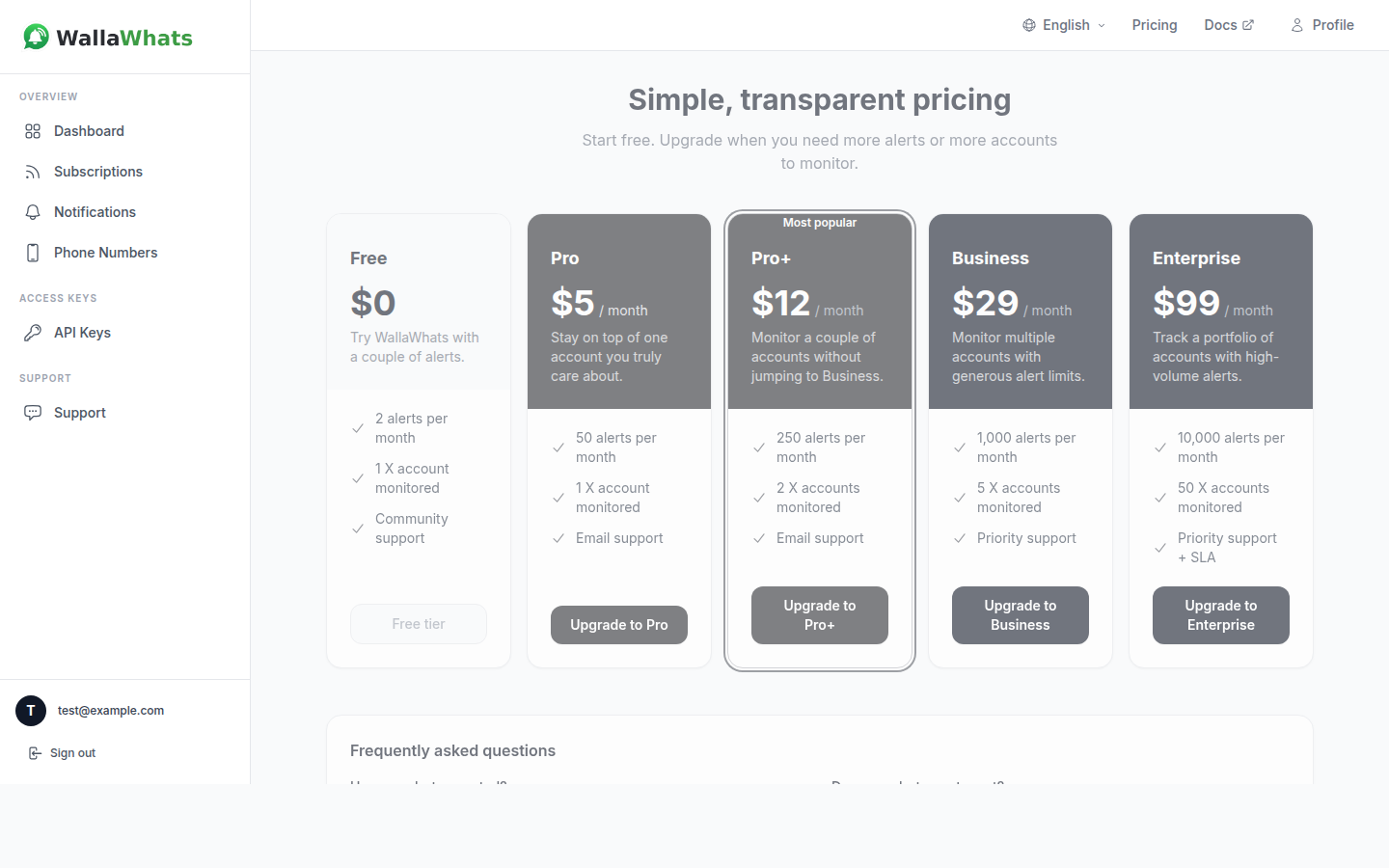
The live figures are always on the pricing page and in the plan management guide. If this article and those ever disagree, trust those.
Step 4: What happens at the monthly cap
Knowing the failure mode makes a tight plan less scary.
The monthly cap meters delivery to your phone. When you reach it, additional alerts are no longer sent to WhatsApp for the rest of the calendar month. You get a single notice telling you the limit was reached, once per month, rather than a flood of “you are over your limit” messages. The allowance resets at the start of the next calendar month.
The cap is metered on phone delivery, and email alerts are handled separately. Do not treat that as a loophole to design around. If you regularly overshoot, the signal is that your plan no longer matches your follows.
Because you can see this coming, you can manage it:
- Check the Messages this month figure on the dashboard partway through the month.
- Unfollow an account that is spending your budget on posts you skim anyway.
- Upgrade if the account is genuinely worth it.
Step 5: Velocity caps are not monthly caps
A monthly cap is about how much you receive across weeks. A velocity cap is about how fast alerts arrive within an hour. They solve different problems.
The velocity cap is per user, measured over a rolling 60-minute window, not per account. If the accounts you follow collectively exceed it, the extra posts are not discarded. They are buffered and delivered as digest messages, one per followed account, instead of as a string of individual pings.
This matters for planning in two ways:
- A burst can eat your monthly allowance quickly. Alerts delivered to your phone count toward your monthly total. A 20-post thread from one account is a real hit to a 50-alert plan.
- Digests protect your phone. On a big news day a higher tier’s velocity cap lets more individual alerts through in real time before batching starts, which is the practical reason the cap rises with each tier.
For the full mechanics, read Avoiding Alert Storms: How Velocity Caps Keep WhatsApp Sane.
Step 6: Measure real usage, then adjust
Estimates get you to a first plan. Real data gets you to the right one.
After your first week, open the notification history in the dashboard. Every alert is one row per delivery channel, with a status of queued, sent, delivered, read or failed. Note that “read” only appears for WhatsApp when the recipient has read receipts enabled, so treat it as a bonus rather than a guarantee. Two quick checks:
- Count alerts in the last seven days and multiply by about 4.3. That is your projected month.
- Sort mentally by account. The two or three noisiest handles usually account for most of the volume.
If you prefer to do this programmatically, the API is available on every plan, using the x-api-key header:
curl "https://api.wallawhats.com/notifications?from=1760000000000&to=1762600000000" \
  -H "x-api-key: <key>"
The from and to parameters are millisecond timestamps, and results are paginated with a lastKey cursor. There is no server-side status filter, so count the rows you care about in your own script. Remember that each alert produces one row per channel, so if you have both WhatsApp and email enabled you will see two rows for one post. Count one channel to estimate your phone budget.
Our Python tutorial shows a small client that does exactly this, and the REST API overview covers the other endpoints.
When to upgrade, and when to downgrade
Upgrade when:
- You hit the monthly cap before the month ends, two months running.
- You keep declining to follow a handle because you are at the account limit.
- Digests are arriving during moments you wanted individual alerts for.
Downgrade or prune when:
- You finish most months with more than half your allowance unused.
- Several followed accounts produce alerts you never act on.
- You added accounts “just in case” and never opened the alerts.
Remember too that you choose where alerts go. If WhatsApp is your urgent channel and you only need a paper trail for the rest, email can carry that load. Channels are toggled globally, so every alert from every account you follow goes to every enabled and verified channel; there is no per-account routing. That makes choosing which accounts to follow your main lever for controlling volume.
A simple decision rule
If you want a one-line heuristic:
- Under 3 alerts a month and 2 accounts: Free, to try it.
- A few quiet accounts: Pro.
- Up to ten accounts with moderate posting: Pro+.
- A beat, a portfolio or a competitor set with regular posters: Business.
- A team watching dozens of public accounts: Enterprise.
Everything here assumes the same opt-in model as the rest of the product: you choose public accounts to follow, and you verify your own WhatsApp number or email with a one-time code before anything is delivered. WallaWhats works alongside the X app rather than replacing it. Think of it as the notification layer for the handful of accounts where being a few minutes late genuinely costs you.
Start small, check your real numbers after a week, and move up only when the data says so.
Never miss an important post again. Create a free account — 1 WhatsApp number, real-time alerts, no credit card required.
About the author
Nacho Coll
Founder & Engineer at WallaWhats
Nacho founded WallaWhats so you get the alerts that matter without depending on X's algorithm to surface them — pick the accounts you care about and get a WhatsApp for every post the moment it goes live, in order, nothing throttled or buried. Writes about real-time notification systems, social-signal monitoring, and serverless delivery pipelines from the operator side of the wire.