Follow Your Team on X Without the Feed: Instant WhatsApp News Alerts
Clubs and beat writers break news on X first. Follow your team's key accounts and get every post on WhatsApp in seconds — no doomscroll required.
 by Nacho Coll
Nacho founded WallaWhats so you get the alerts that matter without depending on X's algorithm to surface them — pick the accounts you care about and get a WhatsApp for every post the moment it goes live, in order, nothing throttled or buried.
If you follow a team, you already know the pattern. The lineup drops an hour before kickoff. The injury update lands in the middle of your work day. The transfer rumour turns into an official announcement while you’re on a train with no signal. All of it appears on X first, usually as a short post from the club, a beat reporter, or a well-sourced insider.
The trouble is that the X app is a poor place to wait for that post. You open it for one score, and twenty minutes later you’ve read a stranger’s take on a referee decision and watched three clips from a different sport. Meanwhile the post you actually wanted is buried under whatever the feed decided to rank higher.
There’s a simpler way to work. Pick the handful of accounts that matter for your team, and have each new post sent to the app you already check all day: WhatsApp. This guide shows how to set that up, which accounts are worth following, and how to keep match-day bursts from turning your phone into a slot machine.
Why sports news breaks on X first
Sports is one of the few industries where the primary source and the audience share the same platform. A club’s communications team posts the official line on X because that’s where fans, journalists and rival clubs all are. Beat reporters post updates as they get them, often before a full article exists. Athletes announce signings, retirements and injuries to their own followers directly.
That makes X the fastest public source for several kinds of news:
- Team news and line-ups. Official club accounts post starting line-ups, bench lists and late fitness updates.
- Transfers and contracts. The official announcement is on the club account. The reporting that leads up to it comes from journalists who cover the club.
- Injury and availability updates. Coaches speak to the press; reporters post the quotes within minutes.
- Match-day moments. Goals, cards, substitutions and final scores, posted by the club and by reporters in the stadium.
- Ticketing and logistics. On-sale times, schedule changes, postponements and travel notices.
Some of this you can wait for. Some you can’t: a ticket on-sale window, a late kickoff change, or a line-up you want to see before you place a bet or finalise a fantasy team. For those, being a few minutes early is the entire point.
Why the feed is the wrong tool
An algorithmic feed is built to keep you engaged, not to deliver posts in the order you need them. That’s a reasonable trade-off for entertainment. It’s a poor one for time-sensitive news, because ranking and timing are decoupled: a post can appear much later than it was published, or not surface at all in a busy session.
Push notifications from the X app can help, but they come with their own trade-offs. You get them for the accounts you’ve turned them on for, inside an app you may have muted for good reasons. Many people end up either drowning in notifications or turning them all off and missing the one that counted.
A per-account alert is a different model. You choose accounts. When one of them posts, you get a message. There’s no ranking step and no “recommended for you” in between. WallaWhats works alongside the X app rather than replacing it: you can still open X whenever you like, but you no longer have to open it to find out whether something happened.
What you’ll get on WhatsApp
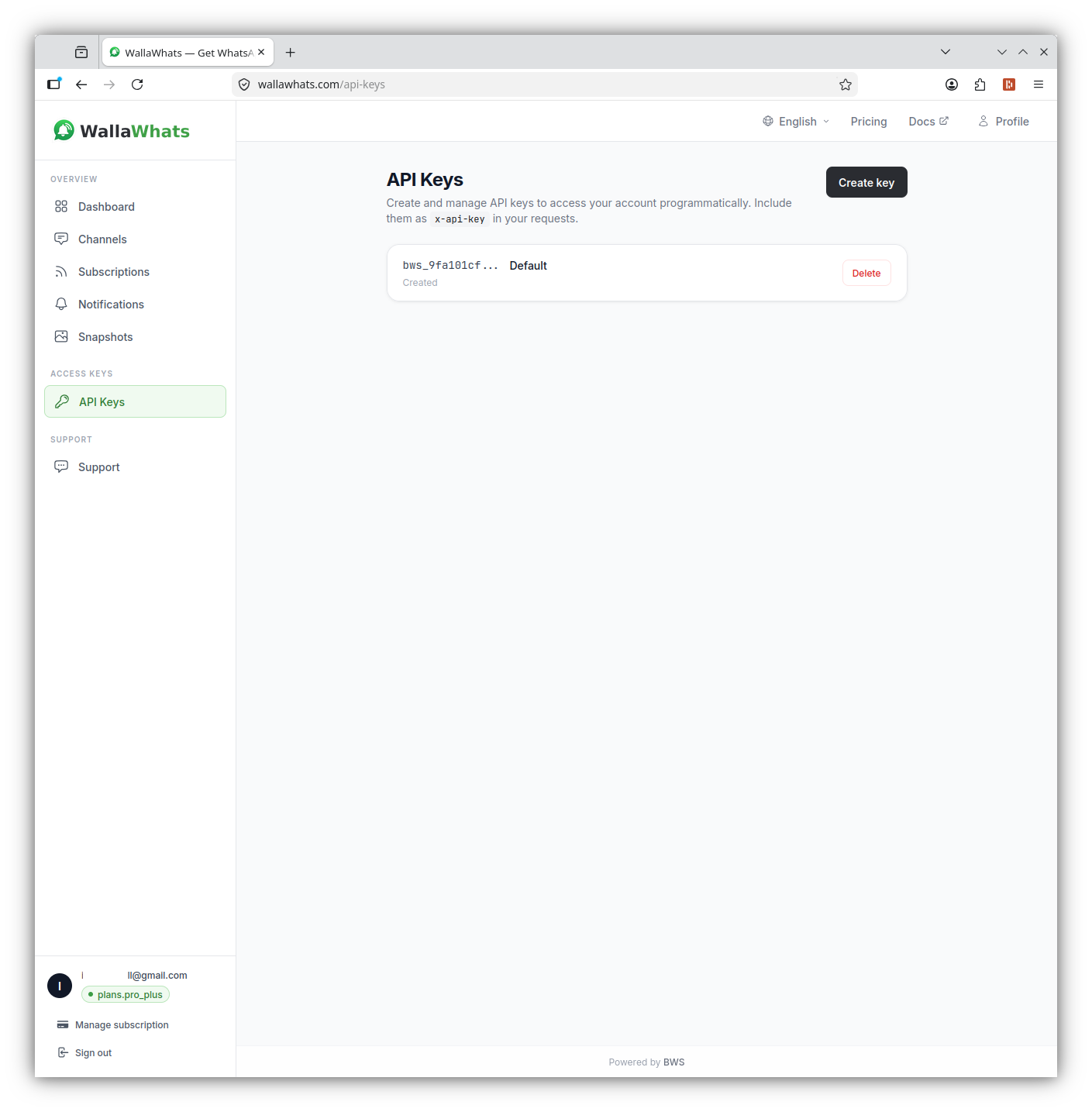
When a followed account publishes a new public post, WallaWhats sends a WhatsApp message within seconds of the post becoming publicly visible on X, when it’s available. The message shows the X handle, a snippet of the post and a button that takes you to the original on X. The text is passed through as the author wrote it; nothing is summarised or rewritten.
A few honest boundaries are worth knowing up front:
- Alerts cover public accounts. Protected accounts can’t be subscribed to.
- “Within seconds” is the right expectation, not “instant to the millisecond.” Delivery also depends on WhatsApp itself.
- Edge cases exist, such as a post deleted before it could be delivered, so treat alerts as a fast signal rather than a guaranteed archive.
Which accounts are worth following
The best alert setup is a short list. Every account you add is a source of messages, and your free time is finite. For a typical team, a good starting set looks like this:
1. The club’s official account. This is the source of truth for line-ups, signings, kickoff changes and official statements. It’s also usually the lowest volume of the group outside match days.
2. One or two beat reporters. Reporters who cover your club full time tend to post injury updates, press-conference quotes and credible transfer reporting. Pick people with a track record for being right rather than being loud.
3. A national or league-level insider. For transfer windows especially, one widely trusted reporter covering the wider league gives you context beyond your own club.
4. The league or competition account. Fixture changes, disciplinary announcements and schedule updates come from here.
5. Optionally, a favourite player’s own public account. Athletes often announce news about themselves. Follow it for what they choose to share publicly, such as announcements, thank-you posts and match reactions.
That’s five accounts. If you follow a second sport or a national team, add one or two more. Resist the urge to build a list of fifty: the point is to replace scrolling with a few well-chosen signals.
A note on framing: this is about following public posts that people publish for an audience, as a fan opting in to updates. It isn’t a way to monitor anyone’s private life, and it won’t show you anything that isn’t already public on X.
Setting it up in about two minutes
You can do this entirely from the dashboard, with no code.
- Create an account. Sign-up is passwordless: you receive a six-digit one-time code on WhatsApp or by email and enter it. There’s no password to set.
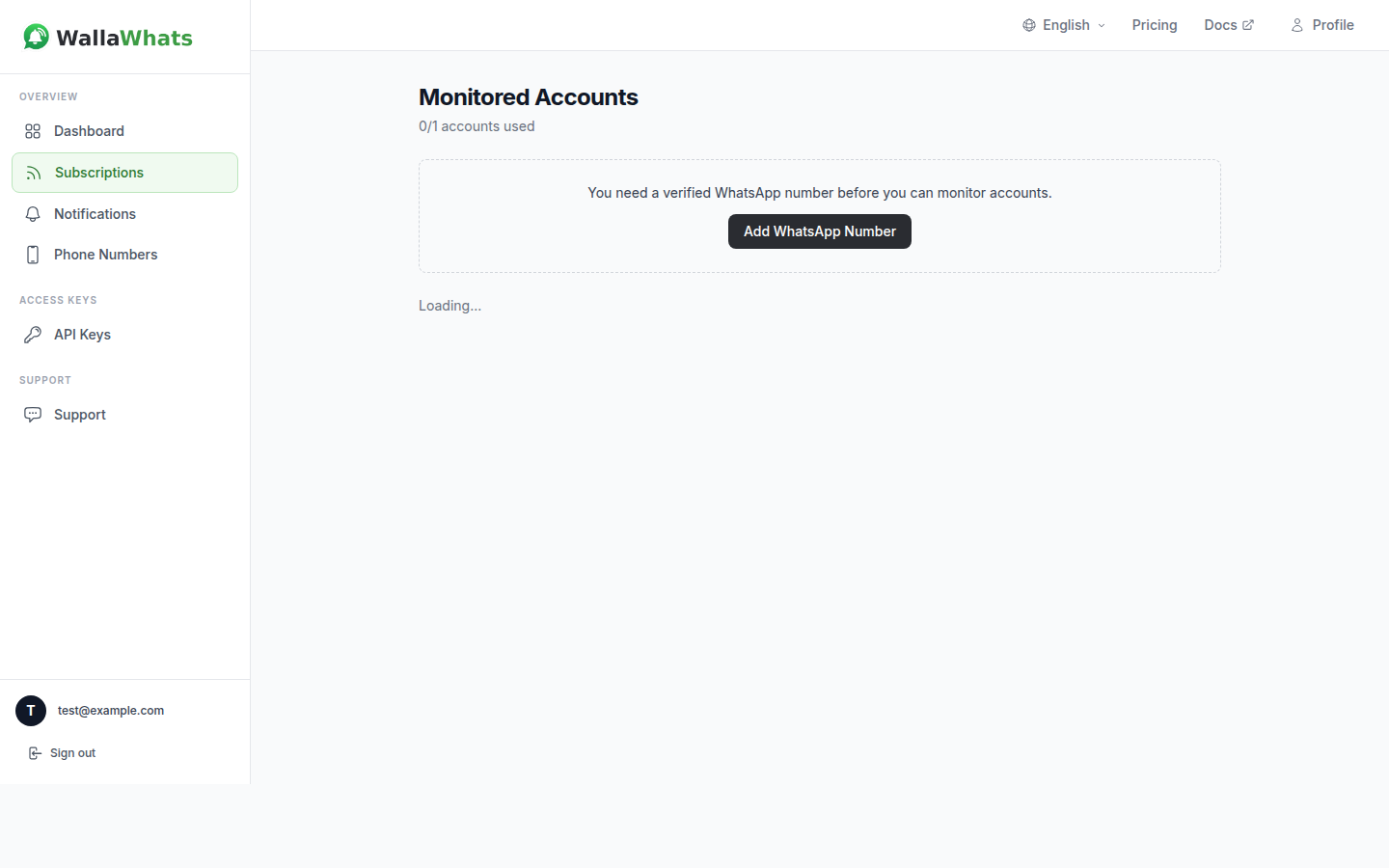
- Add and verify your WhatsApp number. On the Channels page, enter your number. WallaWhats sends a one-time code to it, and alerts only start once you’ve confirmed it. This is deliberate: every destination verifies itself before it can receive anything.
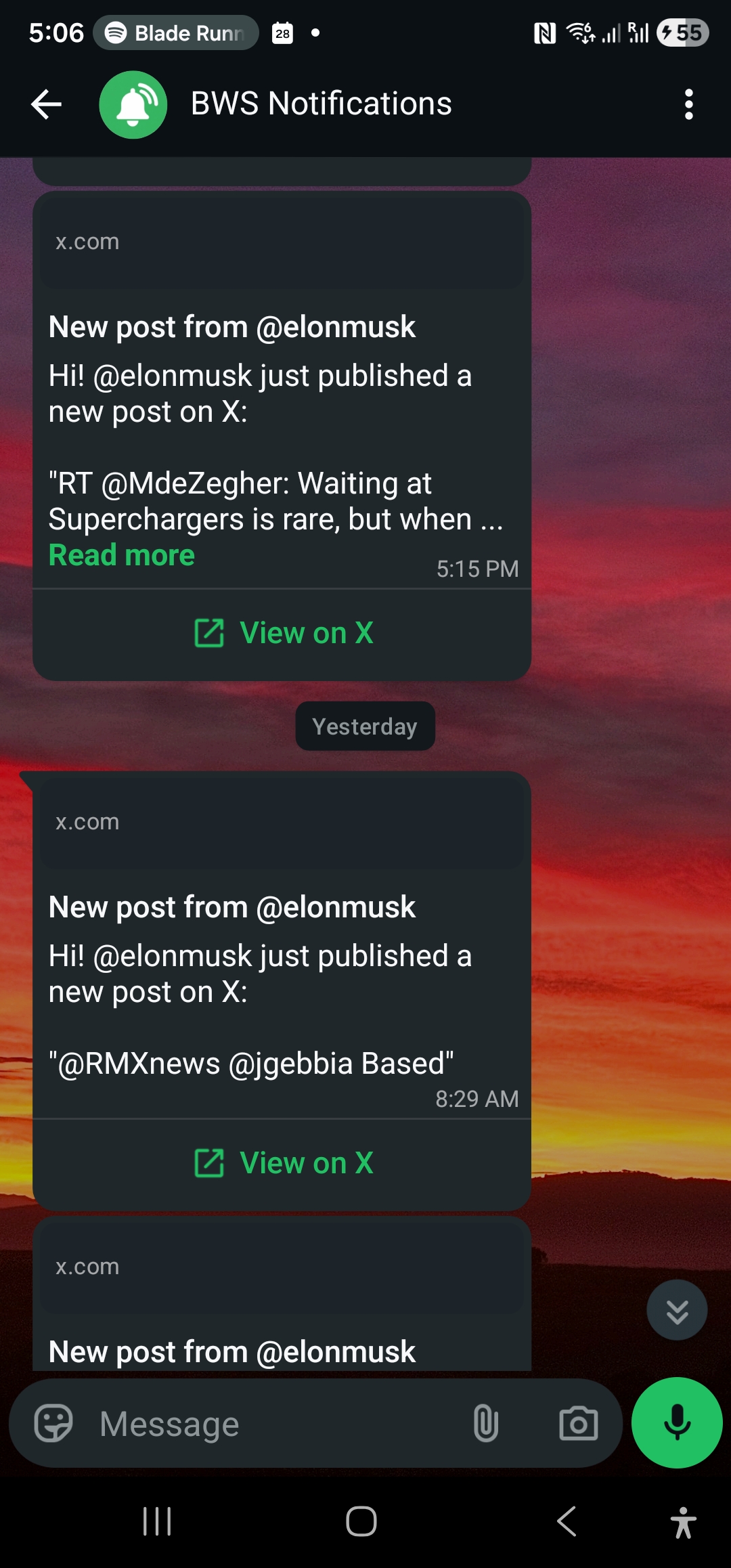
- Add your accounts. On the Subscriptions page, enter the X handle of each account you want to follow, without the @.
- Check the result. The next time one of those accounts posts publicly, the message lands in WhatsApp. The Notifications page shows each alert with a delivery status.
Choosing a plan that fits how much you follow
The Free plan is a good way to see how it feels, but it is deliberately small. Here are the limits that matter for a sports follower:
| Plan | Price | Alerts per month | X accounts |
|---|---|---|---|
| Free | $0 | 3 | 2 |
| Pro | $5 | 50 | 3 |
| Pro+ | $12 | 250 | 10 |
| Business | $29 | 1,000 | 20 |
| Enterprise | $99 | 3,000 | 50 |
Be realistic about volume. A club account on match day can post a dozen times, so the monthly alert allowance matters more than the account count. Free is enough to test the experience on a couple of accounts. If you want to follow a full team ecosystem through a season, look at Pro+ for ten accounts and 250 alerts a month. Compare tiers on the pricing page.
Match days: handling bursts without the noise
Sports accounts are bursty by nature. A quiet Tuesday can produce one post. A match day can produce twenty from the same handle in two hours: line-ups, goals, substitutions, half-time, full-time and reactions.
WallaWhats has a per-user velocity cap for exactly this situation. It’s a rolling 60-minute limit on how many individual alerts you receive per hour, and it scales by plan:
| Plan | Velocity cap (alerts per hour) |
|---|---|
| Free | 2 |
| Pro | 5 |
| Pro+ | 15 |
| Business | 30 |
| Enterprise | 100 |
When you go over the cap, the extra posts aren’t thrown away. They’re held and flushed every 15 minutes as a single digest message per followed account, so a burst of posts from one club becomes one grouped message instead of a string of pings. The digest goes to the same channels as your regular alerts.
In practice, this means a goal-fest doesn’t flood your phone, and you still see what was posted. The cap is per user, not per account, so it applies across everything you follow. For a deeper look at how this works and how to think about it, read how velocity caps handle alert storms.
Add email as a backup channel
WhatsApp is the default, but you can also add an email address as a second channel. Alerts fan out to all of your enabled and verified channels. There’s no per-subscription routing, so you can’t send the club account to WhatsApp and the reporter to email; channels are switched on or off globally from the Channels page.
Email is useful for two reasons. First, it’s a safety net if you’re travelling or WhatsApp is unreliable. Second, email alerts include a rendered image of the post, and the dashboard keeps a searchable gallery of those snapshots for 30 days, which is handy for finding a line-up post or an announcement you saw yesterday. If you’re deciding which channel does what, email vs WhatsApp alerts compares them in detail.
SMS is not currently available as a delivery option, so plan around WhatsApp and email.
Transfer windows: a worked example
Transfer windows are where this setup earns its keep, because the news arrives in stages and the stages matter.
Imagine you follow your club’s official account, a beat reporter, and one league-level insider. A typical sequence goes like this:
- The league-level insider posts that a deal is close. You get a WhatsApp message with a link to the original post.
- Your beat reporter adds local detail: the player is travelling for a medical. Another message.
- The club account posts the official announcement. The final message.
You didn’t open X for any of it. You got three messages in the order they happened, each one linking straight to the source on X so you can read replies and context if you want to. Compare that with refreshing the app all afternoon and hoping the ranking surfaces the posts in a sensible order.
The same pattern works for a coach’s press conference, a late injury update before a game, or a ticket on-sale. In each case, the value is knowing about it when it happens, not when you next happen to scroll.
Checking that alerts arrived
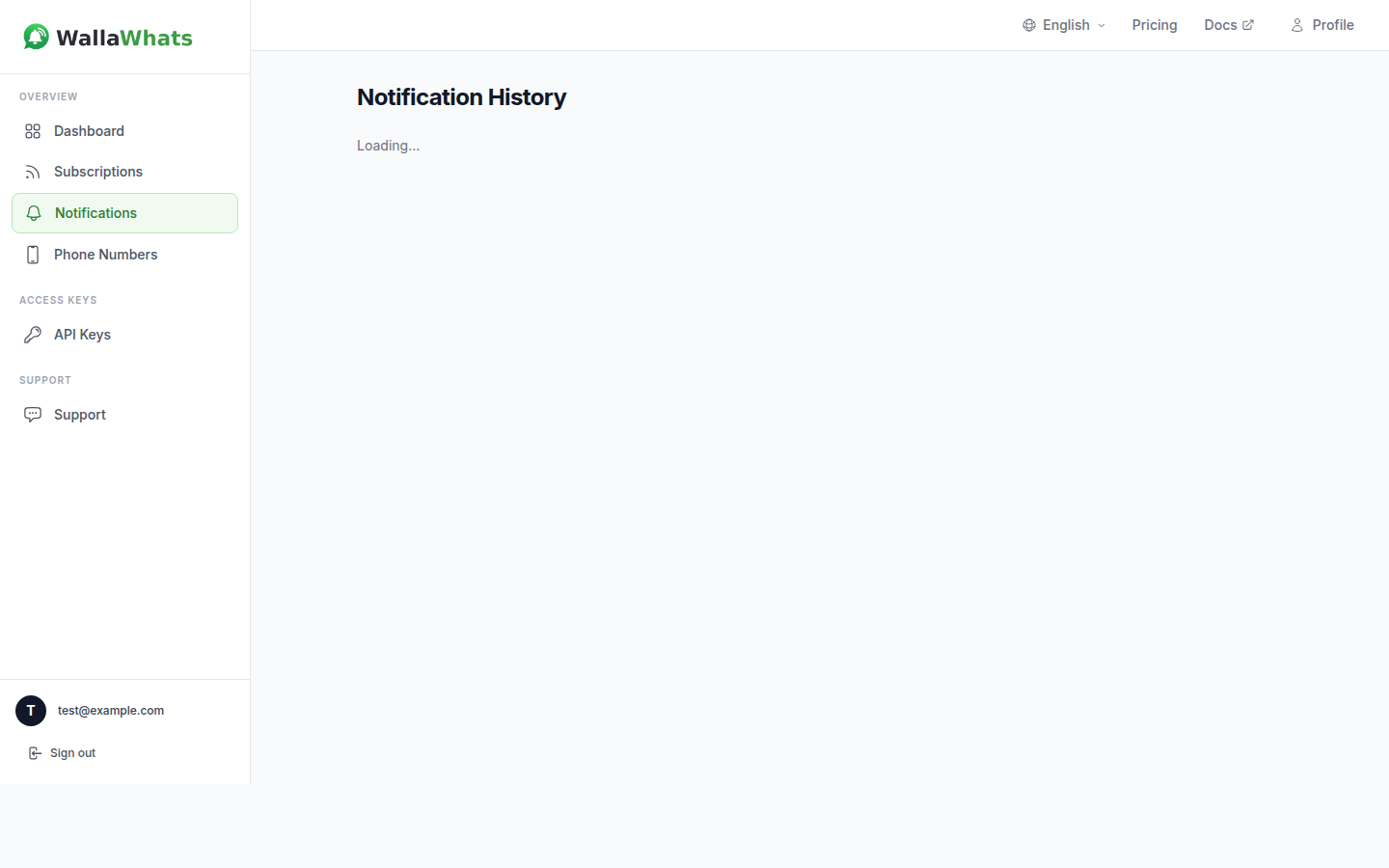
Once you’re running, the Notifications page records every alert per channel with a status: queued, sent, delivered, read or failed. The “read” status only appears for WhatsApp, and only when the recipient has read receipts switched on, so don’t treat it as guaranteed. If you think you missed something, that history is the first place to look. Notification history and delivery status explains what each status means and how to debug a gap.
For developers: build it into your own tools
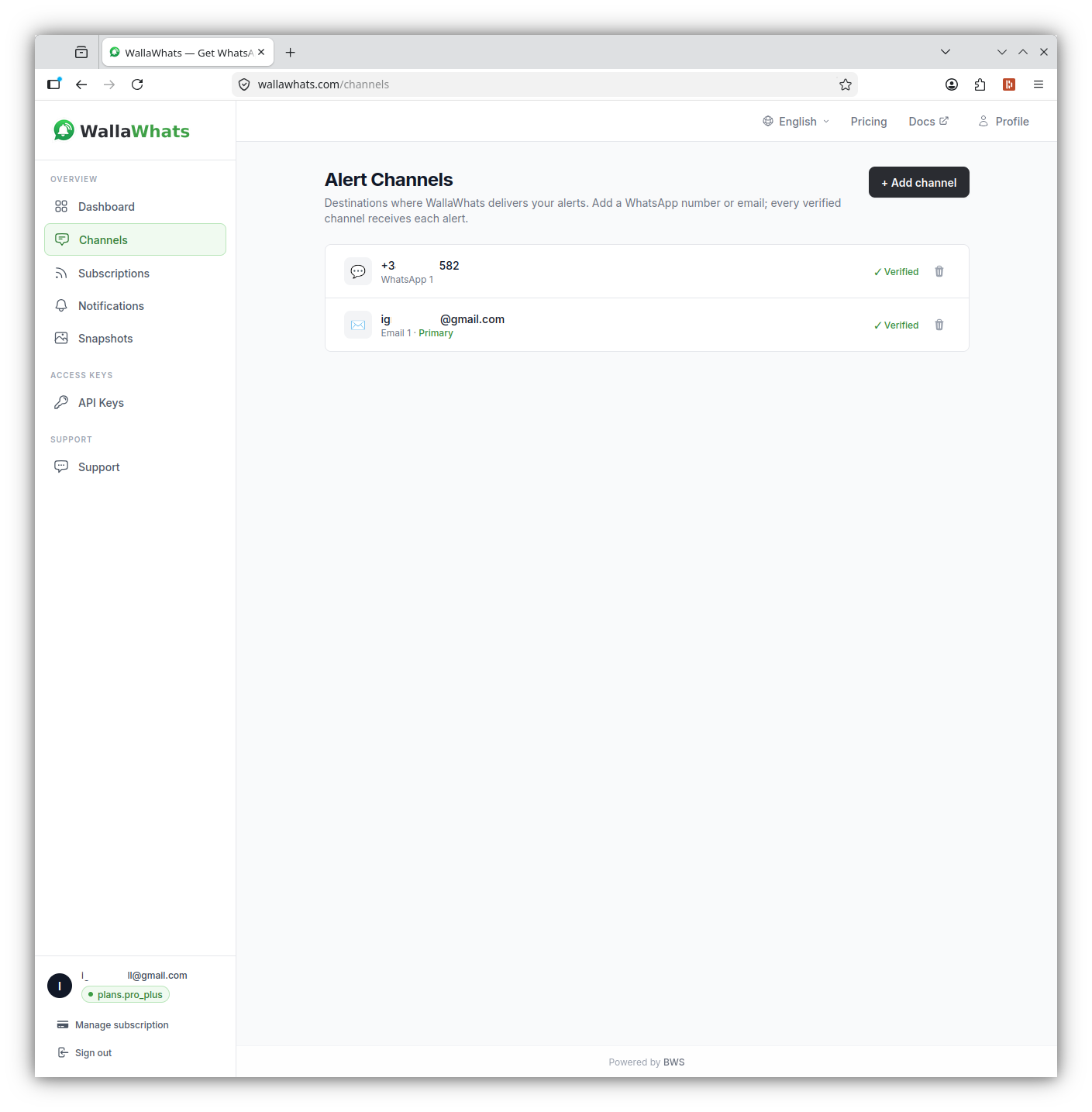
Every plan includes API access, so if you run a fan site, a Discord bot or a fantasy-league dashboard for your friends, you can manage subscriptions programmatically. Authentication uses an x-api-key header.
Add an account to follow:
curl -X POST https://api.wallawhats.com/subscriptions \
  -H "x-api-key: <key>" \
  -H "Content-Type: application/json" \
  -d '{"xUsername": "premierleague"}'
List what you’re following:
curl https://api.wallawhats.com/subscriptions \
  -H "x-api-key: <key>"
Remove an account once the season ends:
curl -X DELETE https://api.wallawhats.com/subscriptions/premierleague \
  -H "x-api-key: <key>"
Review recent alerts for a time window (millisecond timestamps):
curl "https://api.wallawhats.com/notifications?from=1759622400000&to=1759708800000" \
  -H "x-api-key: <key>"
The notifications response is paginated, with one row per tweet and channel. For the full list of routes and parameters, see the API reference and the X alerts API guide.
Practical tips for a calm setup
- Start with three accounts, not ten. Add more only after a week, when you know which ones you actually act on.
- Rotate for the season. Following a cup run or a transfer window? Add the relevant reporter now and remove them when it’s over.
- Use the history, not your memory. If a message scrolled past, the Notifications page and the snapshot gallery are there to help.
- Keep the X app for conversation. Use alerts for the “what just happened” and the app for the “what do people think.”
- Mind your allowance. On a small plan, a busy match day can use your month’s alerts quickly. Check usage on the dashboard and pick a tier that matches how much you follow.
Summary
Sports news is posted on X first, but the X app is a slow and noisy way to wait for it. A short list of the right accounts, delivered to WhatsApp within seconds of each public post, gives you the news without the scroll: the line-up when it drops, the injury update when it’s confirmed, the announcement when it’s official. Velocity caps and 15-minute digests keep match days manageable, email adds a backup channel, and the whole thing takes a couple of minutes to set up on the Free plan.
Never miss an important post again. Create a free account — 1 WhatsApp number, real-time alerts, no credit card required.
About the author
Nacho Coll
Founder & Engineer at WallaWhats
Nacho founded WallaWhats so you get the alerts that matter without depending on X's algorithm to surface them — pick the accounts you care about and get a WhatsApp for every post the moment it goes live, in order, nothing throttled or buried. Writes about real-time notification systems, social-signal monitoring, and serverless delivery pipelines from the operator side of the wire.