Ship Watch: WhatsApp Alerts When the Tools You Depend On Post on X
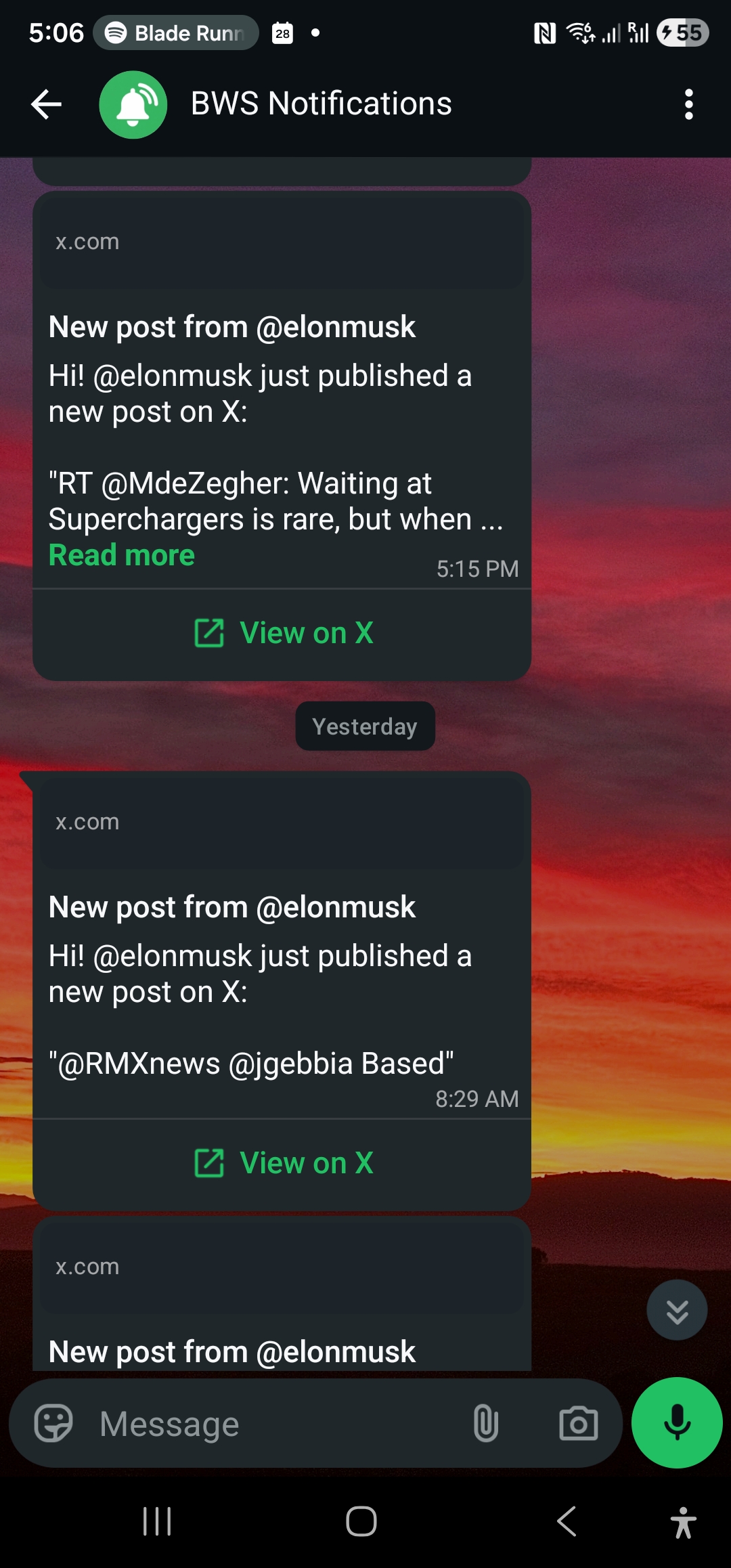
The tools you depend on announce on X. Follow frameworks, cloud, and status accounts and get releases, incidents, and breaking changes on WhatsApp.
 by Nacho Coll
Nacho founded WallaWhats so you get the alerts that matter without depending on X's algorithm to surface them — pick the accounts you care about and get a WhatsApp for every post the moment it goes live, in order, nothing throttled or buried.
A framework you depend on ships a breaking change in a minor version. A cloud provider has a regional outage that’s quietly eating your error budget. A library you built a feature around gets deprecated with a six-month sunset clock. In every one of these cases, the fastest place to find out is still X (Twitter) — often faster than the changelog, the status page, or the mailing list, because maintainers and DevRel teams post the moment they know, and the official docs update on a slower cycle.
The problem is that “just follow the right accounts” doesn’t scale. You’re not checking a feed all day — you’re in an editor, a terminal, a meeting. By the time you open X again, the announcement has scrolled past a hundred other posts, and the feed algorithm has already decided you’d rather see something else. WALLAWHATS turns a short list of accounts you actually depend on into WhatsApp alerts that arrive the moment they post, so the signal reaches you without you having to go looking for it.
Why X is still where tooling news breaks first
Docs sites, changelogs, and status pages are the record of what shipped. X is where the people who shipped it say so first — before the PR merges into the docs build, before the RSS feed updates, sometimes before the status page flips from “operational” to “degraded.” Framework maintainers post breaking-change heads-ups mid-release-candidate. Cloud providers’ status accounts post the first line of an incident within minutes, well ahead of a formal postmortem. DevRel teams tease deprecations at conferences and follow up on X the same day.
None of this is exclusive information — it’s all public. The problem was never access, it was timing: you’d need to have the feed open at the right moment, scrolling the right list, at the right time of day. A per-account WhatsApp alert removes the timing problem. You don’t watch the feed; the post finds you.
Who’s worth watching
You don’t need to follow the industry — you need to follow the handful of accounts that would actually cost you time or money if you missed their post. A few categories to start from:
Frameworks and libraries you build on. The maintainers or official accounts for your primary language, framework, and the two or three dependencies your product can’t function without. This is where breaking-change notices, RC announcements, and security advisories land first.
Cloud and infrastructure providers. Status accounts for the cloud provider, CDN, database, or payment processor your stack runs on. An incident post that arrives while you’re still staring at a dashboard trying to figure out if it’s your code or theirs is worth a lot.
Status accounts specifically. Separate from the general provider account, most major infra vendors run a dedicated status handle that only posts incidents and resolutions — a much higher signal-to-noise account to subscribe to than the marketing feed.
DevRel and platform teams. The people whose job is literally to tell developers what changed. They post release notes, migration guides, and “here’s what’s coming” threads days before the general audience sees them.
Keep the list short and specific. A handful of accounts that matter to your stack beats a broad “tech Twitter” list that just recreates the feed-scrolling problem you were trying to escape.
What you’re actually trying to catch
Releases. A new major version, a security patch, a feature you’ve been waiting on — knowing the moment it ships means you can start testing or migrating on your own schedule instead of finding out three weeks late from a coworker.
Incidents. When the service you depend on degrades, the account that operates it usually posts before the automated status page catches up, and definitely before your own monitoring notices anything wrong downstream. A WhatsApp alert here can be the first sign it’s not your code.
Deprecations and breaking changes. These come with a clock attached — a sunset date, a migration deadline. Finding out on day one instead of week three of a six-week window is the difference between a calm migration and a scramble.
Setting it up
- Create a free account at wallawhats.com/signup — no credit card required.
- Add the X accounts you depend on. Type the handle (no
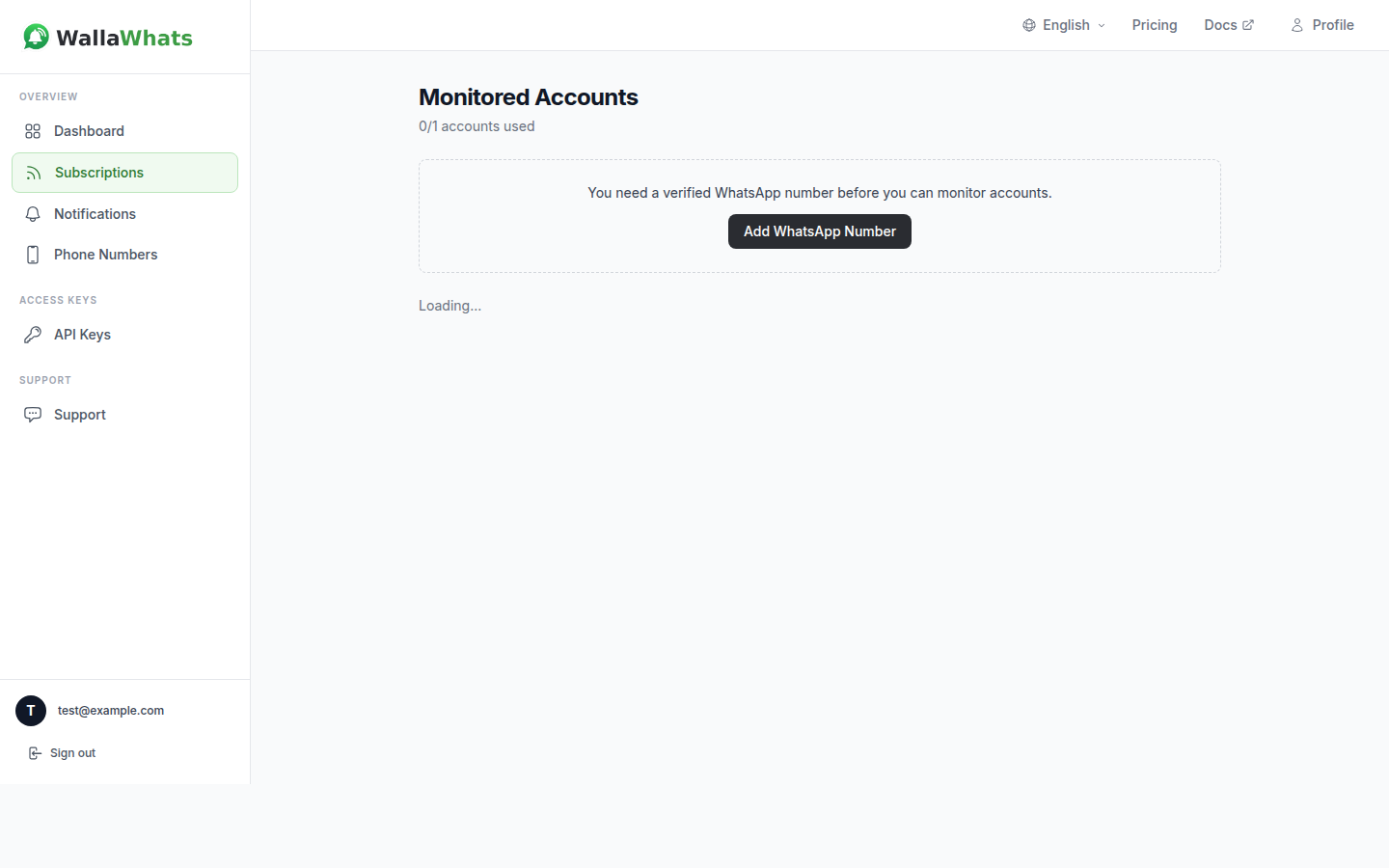
@) into the subscribe form on the dashboard — the framework’s official account, your cloud provider’s status handle, the DevRel lead who posts migration notes. - Verify a WhatsApp number. WALLAWHATS sends a one-time code to confirm you own the destination before anything gets delivered there — nobody else’s WhatsApp receives your alerts, and you can’t receive someone else’s.
- That’s it. New posts from those accounts arrive on WhatsApp within seconds of going live, when the post is publicly visible on X.
The Free plan covers 2 monitored X accounts and 3 alerts a month — enough to try it against one framework and one status account. Paid tiers scale the account count and monthly alert volume up from there; see the pricing page for the full breakdown.
Automating subscriptions with the API
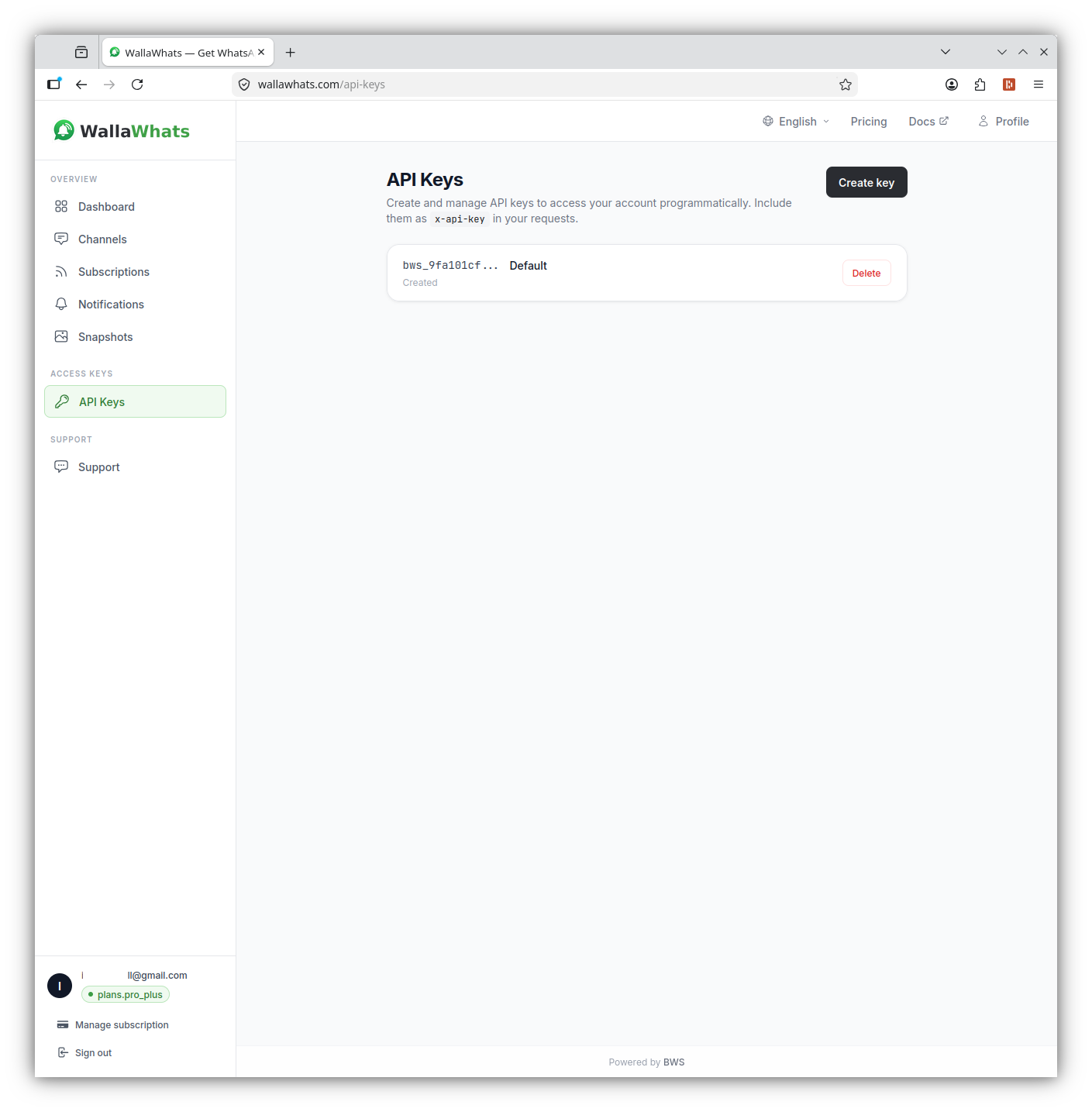
If you’re maintaining subscriptions for a team, or you want your dependency list to stay in sync with what’s actually in package.json or requirements.txt, WALLAWHATS exposes a REST API on every plan — including Free, with 1 API key.
Authenticate with the x-api-key header (not Authorization: Bearer):
curl -X POST https://api.wallawhats.com/subscriptions \
  -H "x-api-key: your_api_key_here" \
  -H "Content-Type: application/json" \
  -d '{"xUsername": "vercel"}'
A small script can keep the subscription list honest by diffing it against your actual dependency graph:
const axios = require('axios');

const API_KEY = process.env.WALLAWHATS_API_KEY;
const BASE_URL = 'https://api.wallawhats.com';

async function listSubscriptions() {
  const { data } = await axios.get(`${BASE_URL}/subscriptions`, {
    headers: { 'x-api-key': API_KEY },
  });
  return data;
}

async function addSubscription(xUsername) {
  await axios.post(
    `${BASE_URL}/subscriptions`,
    { xUsername },
    { headers: { 'x-api-key': API_KEY } }
  );
  console.log(`Now watching @${xUsername}`);
}

async function removeSubscription(xUsername) {
  await axios.delete(`${BASE_URL}/subscriptions/${xUsername}`, {
    headers: { 'x-api-key': API_KEY },
  });
  console.log(`Stopped watching @${xUsername}`);
}

// Reconcile the watch list against a source-of-truth array of handles —
// e.g. one derived from your infra providers + primary framework.
async function reconcile(targetHandles) {
  const current = (await listSubscriptions()).map((s) => s.xUsername);

  for (const handle of targetHandles) {
    if (!current.includes(handle)) await addSubscription(handle);
  }
  for (const handle of current) {
    if (!targetHandles.includes(handle)) await removeSubscription(handle);
  }
}

reconcile(['vercel', 'awshealth', 'nextjs']);
Pulling GET /notifications on a schedule also gives you a lightweight audit trail — a paginated log of every alert your team received, with delivery status, useful if you ever need to check “did anyone actually see the deprecation notice.”
Handling incident storms without getting paged 30 times
Status accounts don’t post once — during an active incident, they post updates every few minutes: identified, monitoring, resolved, follow-up. If every one of those hit your phone as a separate WhatsApp message, the alert would become noise exactly when you need signal most.
WALLAWHATS handles this with a per-user velocity cap on a rolling 60-minute window. The first posts within the cap arrive immediately; anything beyond it gets buffered into a digest and flushed every 15 minutes as a single message per account, so a fast-moving incident thread doesn’t turn into a notification storm:
| Plan | Alerts/hour before digesting |
|---|---|
| Free | 2 |
| Pro | 5 |
| Pro+ | 15 |
| Business | 30 |
| Enterprise | 100 |
You still get the first alert the moment the incident starts — the cap only kicks in if the account posts faster than you’d realistically want individual pings for.
A concrete scenario: catching a breaking change before it hits main
Say your build pipeline depends on a framework that ships a release candidate with a documented breaking change to a config format. The maintainer posts about it on X the day the RC drops — the migration guide isn’t published yet, and the changelog entry won’t merge for another day or two.
If you’re subscribed to that account, the alert lands on WhatsApp within seconds of the post going live. You read the two-line summary, decide it’s worth investigating, and open the linked thread from your phone. By the time a teammate pulls the RC into a feature branch that afternoon, you already know the config change is coming and can flag it in review instead of debugging a mysteriously failing build later in the week. None of this requires refreshing a timeline — the alert did the watching.
The same pattern applies in reverse for incidents: a cloud status account posts “investigating elevated error rates” while your own monitoring is still within normal thresholds. That few minutes of lead time is often enough to start checking dependent services before your own alarms fire, rather than after.
Email as a backup channel, with a visual record
WhatsApp is the fast path, but every plan — Free included — also delivers to email, and channels aren’t exclusive: enable both, and every alert from every subscription fans out to all of your verified destinations at once. There’s no per-account routing where one handle goes to WhatsApp and another goes to email; it’s a global on/off per channel, which keeps the setup simple when you’re watching a handful of infrastructure accounts.
Email alerts carry one thing WhatsApp doesn’t: a rendered snapshot of the post itself, inline in the message. That snapshot also lands in a 30-day searchable gallery on the dashboard, so if a maintainer edits or deletes a post after announcing something — which happens more often than you’d expect around fast-moving incidents — you still have the version you were alerted about. Useful for anyone who needs to reference “here’s exactly what the status account said at 14:32” a few days later, without relying on X’s own edit and deletion history.
Auditing what your team actually saw
For a solo developer, an alert either got read or it didn’t. For a team, “did anyone see the deprecation notice” is a real question, and it’s one GET /notifications answers directly — a paginated log of every alert, per channel, with a status of queued, sent, delivered, read (WhatsApp only, and only when the recipient has read receipts on), or failed.
curl "https://api.wallawhats.com/notifications?from=1758412800000&to=1758499200000" \
  -H "x-api-key: your_api_key_here"
Pull this on a schedule and you have a lightweight record of exactly when your team was notified about a given release or incident, and whether the message was actually delivered — closer to an audit trail than a guess based on who remembers seeing a post scroll by.
What this doesn’t replace
WALLAWHATS isn’t a monitoring or status-page replacement — it’s a faster way to hear what the people running the service are saying about it. It complements your existing alerting (PagerDuty, uptime checks, log-based alarms) rather than substituting for it; treat a status-account WhatsApp alert as an early signal worth investigating, not a confirmed incident report for your own stack. And because it works from the public X API, it only sees what the account posts publicly — nothing private, nothing behind a login.
If you want to go further with automation, the X Alerts API guide covers the full endpoint surface, and if event-heavy accounts are a concern beyond just status pages, Avoiding Alert Storms goes deeper into how digest batching works. Founders juggling a similar “too many signals, not enough attention” problem across competitors and investors might also find X Monitoring for Startup Founders useful.
Never miss an important post again. Create a free account — 1 WhatsApp number, real-time alerts, no credit card required.
About the author
Nacho Coll
Founder & Engineer at WallaWhats
Nacho founded WallaWhats so you get the alerts that matter without depending on X's algorithm to surface them — pick the accounts you care about and get a WhatsApp for every post the moment it goes live, in order, nothing throttled or buried. Writes about real-time notification systems, social-signal monitoring, and serverless delivery pipelines from the operator side of the wire.