Free TweetDeck Alternative That Alerts via WhatsApp
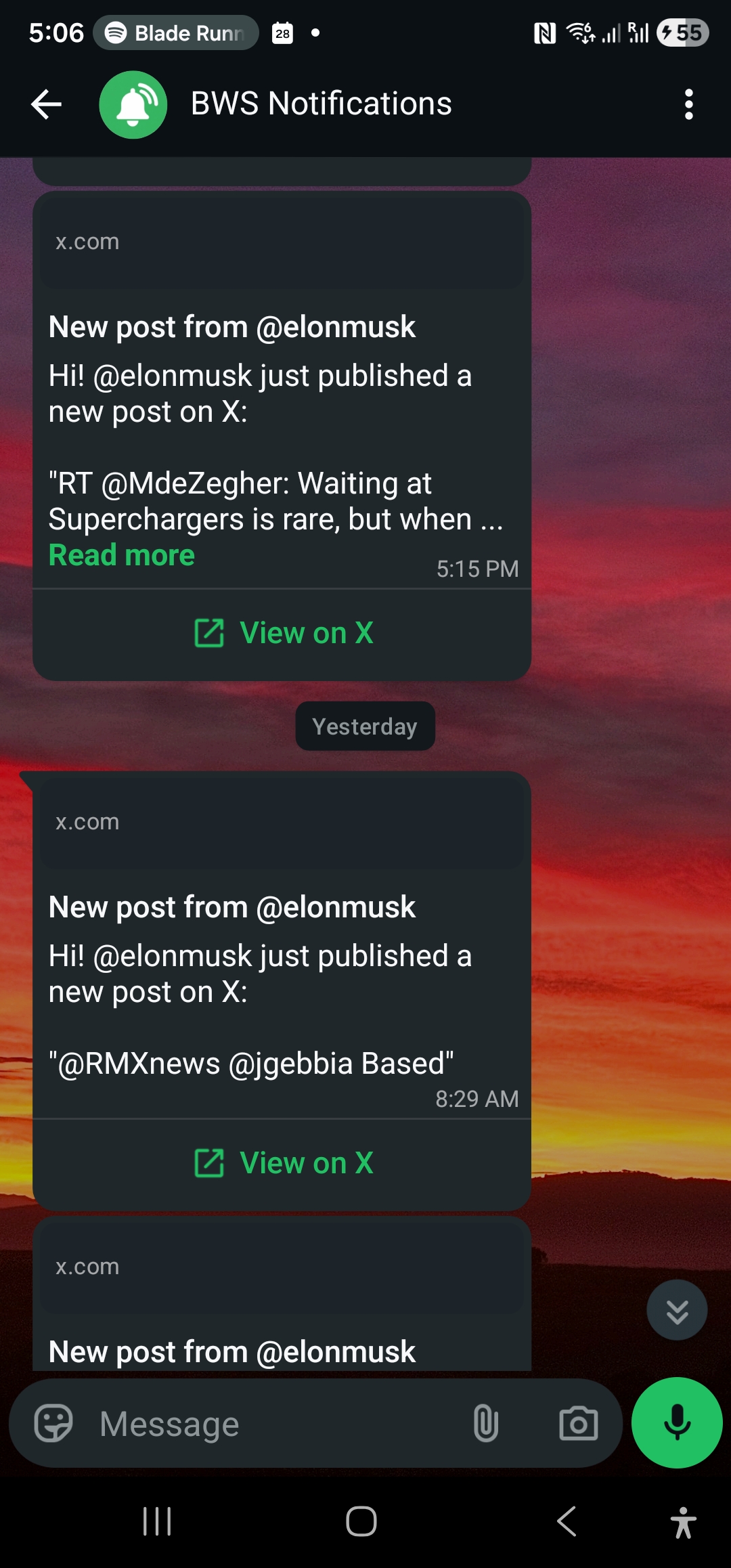
TweetDeck is now X Pro, requiring a paid subscription. WallaWhats is a free, no-install alternative — monitored X accounts alert straight to WhatsApp.
 by Nacho Coll
Nacho founded WallaWhats so you get the alerts that matter without depending on X's algorithm to surface them — pick the accounts you care about and get a WhatsApp for every post the moment it goes live, in order, nothing throttled or buried.
For more than a decade, TweetDeck was the answer to a simple question: how do I keep an eye on a specific list of Twitter accounts without scrolling the algorithmic feed? Columns. Real-time. Free. Built by Twitter itself. It was beloved by journalists, traders, marketers, and anyone whose work involved tracking specific people.
Then Twitter became X, TweetDeck became X Pro, and access moved behind a Premium subscription that starts at $8/month and goes up from there. For a tool many people only used for one specific job — getting notified when certain accounts post — that’s a hard pill to swallow.
Worse, X Pro is still a screen-based tool. You have to be looking at the columns to see what’s new. The use case most people had wasn’t “I want a multi-column dashboard.” It was: “I want a notification when this specific account posts.” WallaWhats is built around that single job.
What WallaWhats actually does
You pick the X accounts you care about. We monitor X’s public stream, and the second one of your accounts posts, you get a WhatsApp message with the post content and a link.
That’s it. No browser tab to keep open. No columns to set up. No subscription to X required (you don’t even need an X account on our side — we use X’s public APIs to read the posts, not your personal feed).
It’s the notification half of TweetDeck, decoupled from the dashboard half. For most TweetDeck users, the notification was the actual value.
Why WhatsApp delivery beats the alternatives
Most TweetDeck-alternative articles list tools like Hootsuite, Sprout Social, Buffer, or various scheduling-focused platforms. They’re useful for what they do, but they’re built for social media managers running an outbound presence — not for individuals who just want to know when a specific account posts.
The other thread of TweetDeck alternatives is email-alert tools (Twilert, Warble) which send daily or hourly digests. That works for anything where minutes don’t matter. But if you used TweetDeck to catch breaking news, market-moving posts, or competitor announcements as they happened, an hourly email isn’t a substitute.
WhatsApp is uniquely suited as a notification channel because:
- You’re already there. It’s the messaging app you check anyway.
- Lock-screen delivery. Audible, top-of-screen, undeniable. Same channel as a friend texting you.
- No additional app. Email, Slack, Discord — all require you to be in those apps. WhatsApp is one most people have always-on already.
- Open rate is functionally 100%. Compare that to email (~20%) or push notifications (which X has been throttling for non-engaged users).
How the migration from TweetDeck looks
The mapping is straightforward:
Your TweetDeck columns of “specific user X” → tracked accounts in WallaWhats. Same accounts, same purpose. Just delivered as WhatsApp messages instead of a scrolling column.
Your TweetDeck “User Activity” or “Notifications” columns → WallaWhats covers original posts. Reply tracking and like tracking aren’t in scope (and frankly, they were noisy in TweetDeck too).
Your TweetDeck “Mentions” column → Not currently supported. WallaWhats is account-level. If your TweetDeck use was primarily about monitoring mentions of yourself or your brand, a different tool (Hootsuite, Brand24) is a better fit.
Your TweetDeck “Search” column for a hashtag or keyword → Not currently supported either. This is on our roadmap but isn’t there today.
If your TweetDeck use was 80%+ about tracking specific accounts (and for most journalists, traders, and individuals it was), WallaWhats covers the actual job.
Five accounts is enough for most people
Looking at a few hundred TweetDeck setups people described publicly: most users had 5-15 columns set up, and most of those columns were tracking specific accounts. Five accounts is the sweet spot for most personal use cases.
WallaWhats’s free tier monitors 2 accounts, the Pro tier ($5/month) covers 3 accounts, and Pro+ ($12/month) covers 10 accounts. The breakpoint between paid plans isn’t designed to extract money — it’s just so you can pick the cap that matches your actual usage. If you tracked 5 accounts on TweetDeck, the Pro+ plan at $12/month leaves you with 5 accounts of headroom and is still cheaper than X Premium.
Setup compared
TweetDeck (X Pro) setup today:
- Subscribe to X Premium ($8+/month)
- Open X Pro in browser (web only — no native client anymore)
- Build columns
- Keep the tab open
- Hope the column actually updates in real time (X Pro performance has been spotty post-acquisition)
WallaWhats setup:
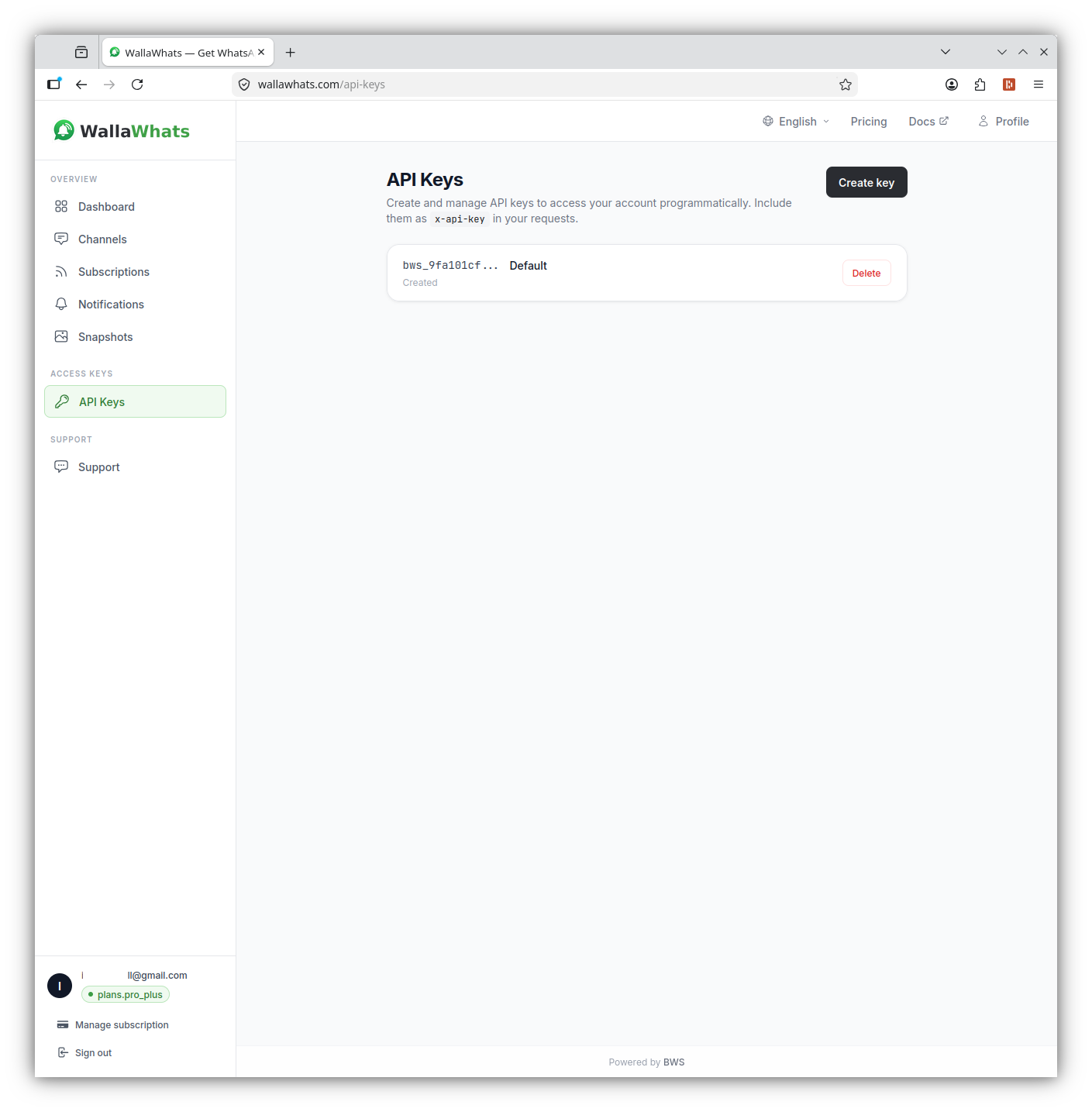
- Sign up free at wallawhats.com (email or Google)
- Add the X handles you want monitored
- Verify your WhatsApp number with a one-time code
- Done. Posts arrive on WhatsApp seconds after they’re published.
Latency comparison
X Pro displays posts as the API publishes them — typically with a noticeable lag during high-volume events. Refresh-button vs auto-load behavior depends on what column type you’re in.
WallaWhats uses X’s filtered stream API and pushes via WhatsApp Cloud API. End-to-end latency from post-published to WhatsApp-delivered:
X post published          → 0s
X stream delivers          → ~5s
WallaWhats forwards        → +1-2s
WhatsApp message arrives   → +0.5s
─────────────────────────────────
Total                      → 6-8s
For most use cases — journalism, trading, competitive monitoring, fan tracking — that’s well within the latency budget. You get the post on your lock screen before most people have refreshed their feed.
What if you really want a multi-column dashboard?
If columns themselves are the value (you’re a social media manager running multiple accounts, you need scheduling, you need analytics), WallaWhats isn’t trying to replace that. Tools that do still try to occupy the dashboard niche include Hootsuite, Sprout Social, and newer entrants like OpenTweet. Most are paid, and most are aimed at marketing teams.
WallaWhats is for the simpler — and more common — case: I just want a notification when these specific accounts post. For that job, columns are overkill, and a WhatsApp message is the lowest-friction delivery method available.
Pricing
- Free: 2 accounts, 3 alerts/month — enough to test the latency on accounts you actually care about.
- Pro ($5/mo): 3 accounts, 50 alerts/month
- Pro+ ($12/mo): 10 accounts, 250 alerts/month — the closest match to a typical TweetDeck setup
- Business ($29/mo): 20 accounts, 1,000 alerts/month
- Enterprise ($99/mo): 50 accounts, 3,000 alerts/month
Get started
The TweetDeck-to-WallaWhats migration takes about 30 seconds. Sign up, paste the handles you used to track, verify WhatsApp, and you’re back to getting alerts for the accounts you care about — no X subscription required, no browser tab to babysit, no columns to maintain.
For the full setup walkthrough, see how to get X alerts on WhatsApp. Not sure which WhatsApp number to use? Check our Business vs Personal guide.
About the author
Nacho Coll
Founder & Engineer at WallaWhats
Nacho founded WallaWhats so you get the alerts that matter without depending on X's algorithm to surface them — pick the accounts you care about and get a WhatsApp for every post the moment it goes live, in order, nothing throttled or buried. Writes about real-time notification systems, social-signal monitoring, and serverless delivery pipelines from the operator side of the wire.