X অ্যালার্ট API: প্রোগ্রামেটিক সাবস্ক্রিপশন এবং নোটিফিকেশন হিস্ট্রি
WALLAWHATS এর উপর কাস্টম ইন্টিগ্রেশন তৈরি করুন। X সাবস্ক্রিপশন যোগ এবং সরান, চ্যানেলে অ্যালার্ট রুট করুন, নোটিফিকেশন হিস্ট্রি পুল করুন — সব REST এর মাধ্যমে।
 লিখেছেন Nacho Coll
Nacho founded WallaWhats so you get the alerts that matter without depending on X's algorithm to surface them — pick the accounts you care about and get a WhatsApp for every post the moment it goes live, in order, nothing throttled or buried.
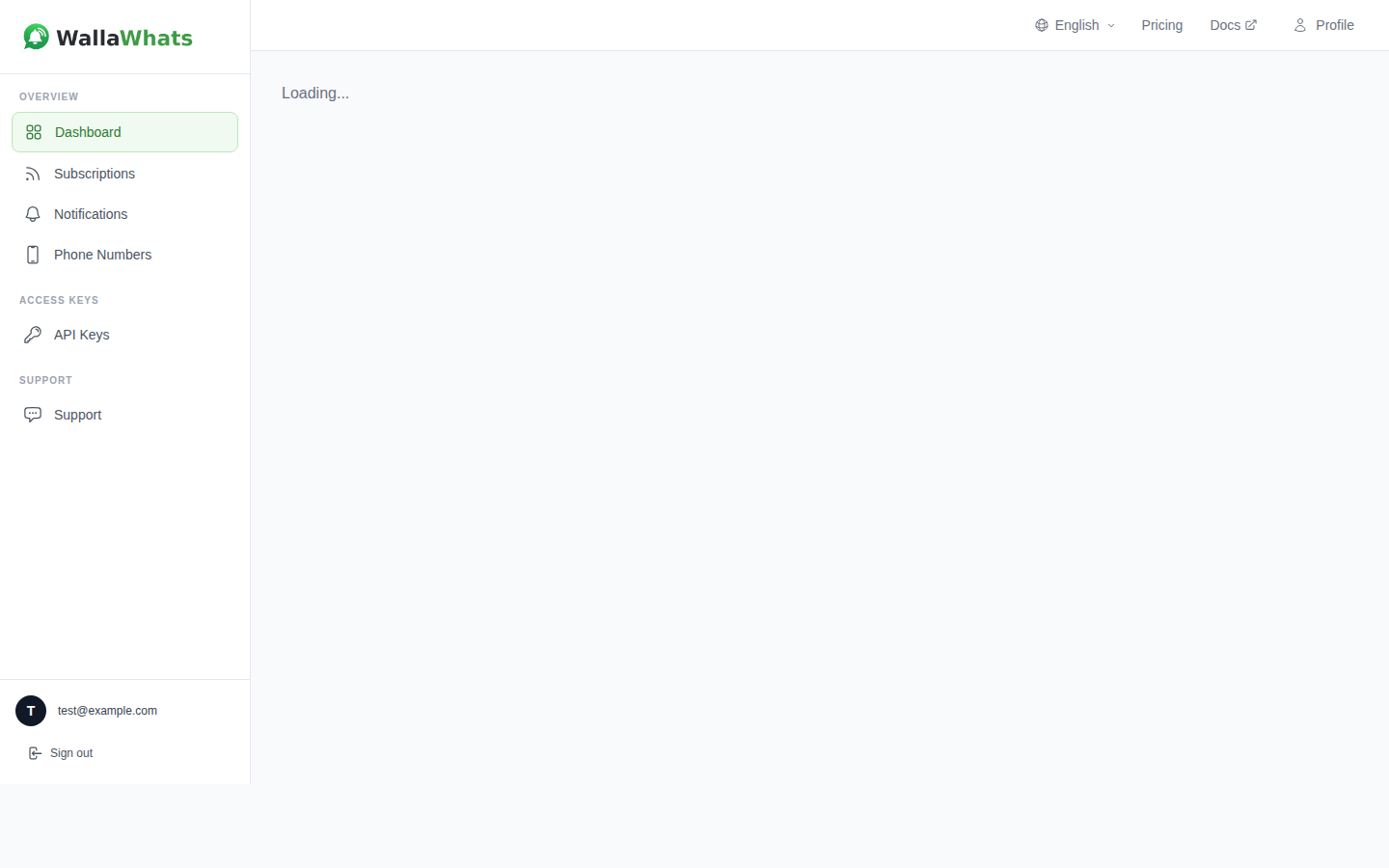
যখন রিয়েল-টাইম X (Twitter) অ্যালার্ট আপনার ব্যবসার জন্য মিশন-ক্রিটিক্যাল হয়ে ওঠে, ম্যানুয়াল dashboard ম্যানেজমেন্ট একটি দেয়ালে আটকে যায়। আপনি customer intelligence dashboard তৈরি করছেন, brand monitoring workflow অটোমেট করছেন, বা trading desk এর জন্য কাস্টম নোটিফিকেশন সিস্টেম তৈরি করছেন — আপনার X অ্যালার্ট সাবস্ক্রিপশনের উপর প্রোগ্রামেটিক নিয়ন্ত্রণ দরকার।
WALLAWHATS একটি REST API প্রদান করে যা আপনাকে web interface স্পর্শ না করে X অ্যালার্ট সাবস্ক্রিপশন তৈরি, ম্যানেজ এবং অডিট করতে দেয়। মনিটর করা account যোগ বা সরান, ডেলিভারি স্ট্যাটাস সহ নোটিফিকেশন হিস্ট্রি পুল করুন, এবং যেকোনো সিস্টেমে রিয়েল-টাইম X অ্যালার্ট ইন্টিগ্রেট করুন যা HTTP বোঝে।
কেন WALLAWHATS API ব্যবহার করবেন?
Dashboard ম্যানুয়াল workflow এর জন্য দুর্দান্ত কাজ করে, কিন্তু API অ্যাক্সেস automation scenario আনলক করে যা মানুষের ম্যানেজমেন্টের বাইরে স্কেল করে:
Customer Intelligence Platform: research tool বা CRM integration এর মাধ্যমে আবিষ্কৃত নতুন চিহ্নিত প্রতিযোগী executive, product lead বা industry analyst দের স্বয়ংক্রিয়ভাবে সাবস্ক্রাইব করুন।
Trading এবং Financial Workflow: portfolio পরিবর্তন বা market event এর ভিত্তিতে regulatory account, CEO handle বা sector-specific journalist দের প্রোগ্রামেটিক্যালি মনিটর করুন — ম্যানুয়াল সাবস্ক্রিপশন ম্যানেজমেন্ট ছাড়া।
স্কেলে Brand Monitoring: নতুন campaign লঞ্চ, product ship বা crisis situation develop হওয়ার সাথে সাথে brand mention tracking যোগ বা সরান।
Multi-Tenant SaaS Application: আপনার customer দের জন্য white-label রিয়েল-টাইম X monitoring, background এ প্রোগ্রামেটিক সাবস্ক্রিপশন ম্যানেজমেন্ট সহ।
Compliance এবং Audit System: regulatory reporting, internal audit trail বা SLA monitoring এর জন্য ডেলিভারি স্ট্যাটাস সহ সম্পূর্ণ নোটিফিকেশন হিস্ট্রি পুল করুন।
API Authentication এবং অ্যাক্সেস
প্রতিটি WALLAWHATS plan স্কেলিং key quota সহ API অ্যাক্সেস অন্তর্ভুক্ত করে:
- Free: ১টি API key
- Pro: ১টি API key
- Pro+: ২টি API key
- Business: ৫টি API key
- Enterprise: ২০টি API key
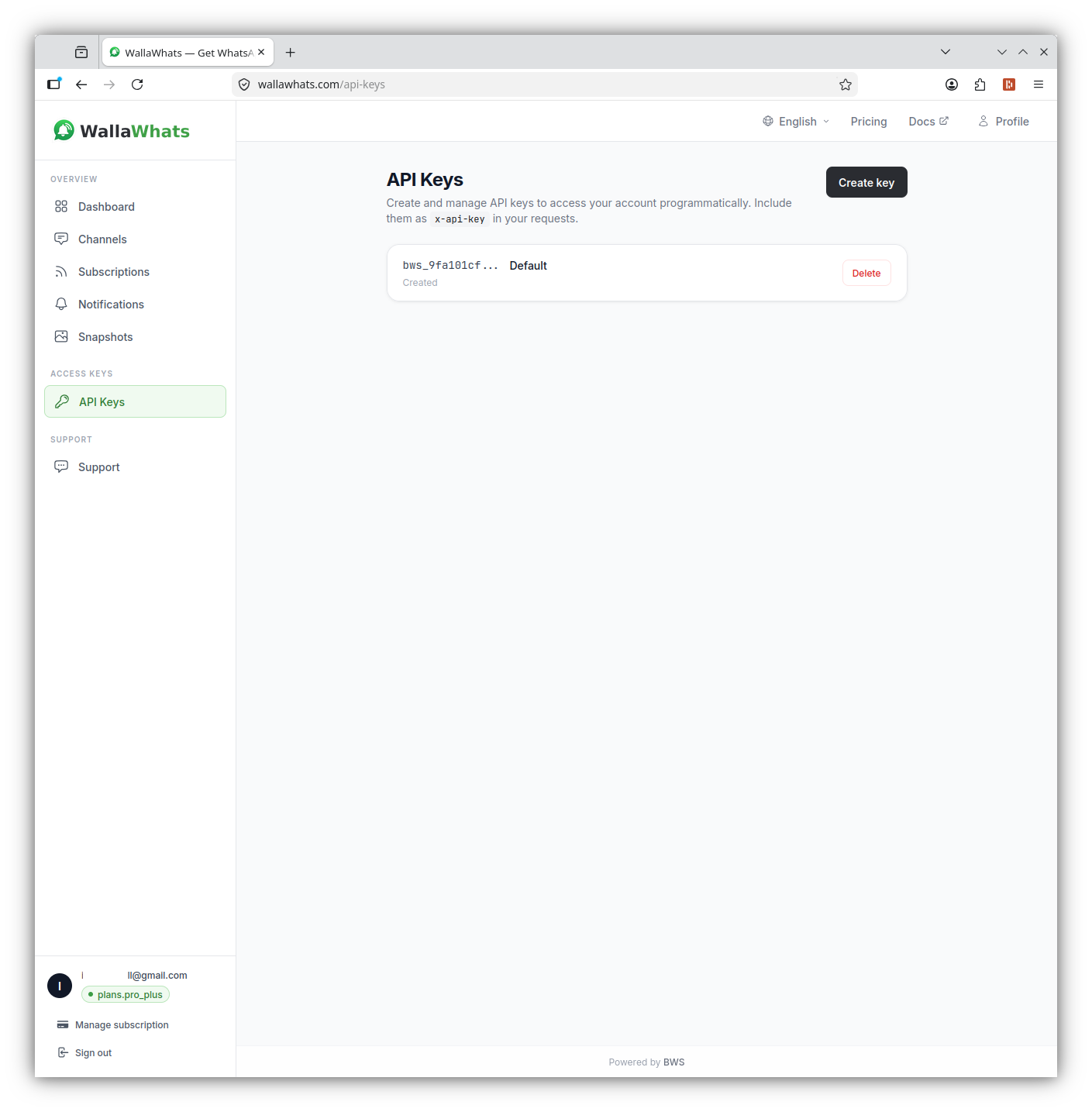
Authentication x-api-key header ব্যবহার করে (Authorization: Bearer নয়)। আপনার key গুলো dashboard এর API সেকশন থেকে তৈরি করুন, এবং সেগুলোকে password এর মতো treat করুন — এগুলো সম্পূর্ণ account privilege বহন করে।
curl -H "x-api-key: your_api_key_here" \
     https://api.wallawhats.com/subscriptions
কোর API Endpoint
WALLAWHATS API integration তৈরির জন্য পাঁচটি প্রধান resource group প্রদান করে:
Subscription Management
নতুন subscription তৈরি করুন:
POST /subscriptions
Content-Type: application/json
x-api-key: your_api_key_here

{
  "xUsername": "elonmusk"
}
সব subscription তালিকা করুন:
GET /subscriptions
x-api-key: your_api_key_here
একটি subscription সরান:
DELETE /subscriptions/elonmusk
x-api-key: your_api_key_here
লক্ষ্য করুন delete endpoint X handle কে path parameter হিসেবে নেয় — internal subscription ID নয়।
Notification History এবং Audit
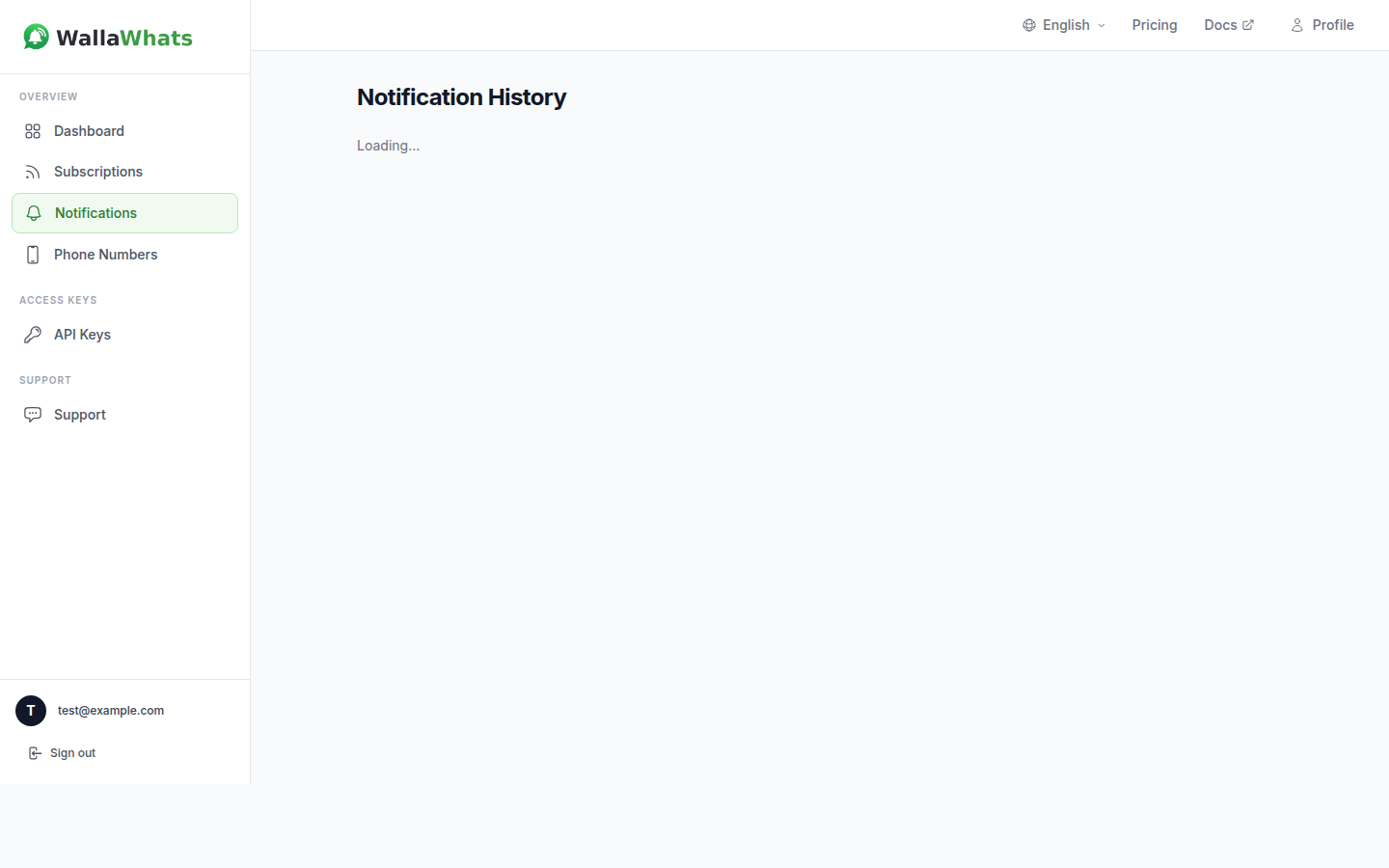
ডেলিভারি স্ট্যাটাস সহ নোটিফিকেশন হিস্ট্রি পুল করুন:
GET /notifications?from=1704067200000&to=1704153600000
x-api-key: your_api_key_here
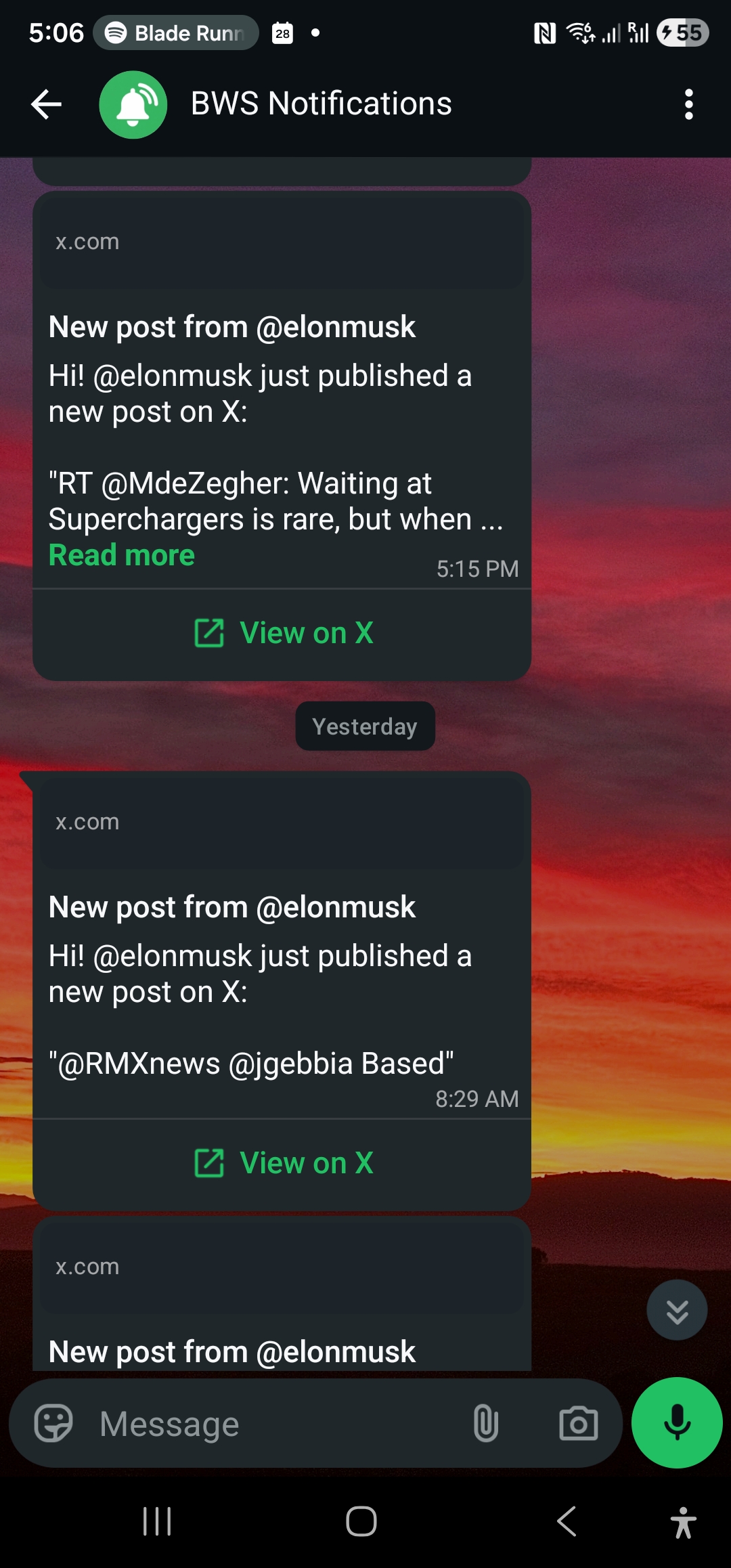
Notifications endpoint paginated result রিটার্ন করে প্রতিটি row একটি channel এ delivered একটি alert প্রতিনিধিত্ব করে। Status value গুলোর মধ্যে রয়েছে:
queued: Alert গৃহীত, delivery এর অপেক্ষায়sent: Channel provider কে dispatch করা হয়েছেdelivered: গন্তব্যে পৌঁছেছে নিশ্চিতread: প্রাপক দ্বারা খোলা হয়েছে (শুধু WhatsApp, read receipt সক্ষম প্রয়োজন)failed: Delivery attempt ব্যর্থ
Channel Management
কনফিগার করা channel তালিকা করুন:
GET /channels
x-api-key: your_api_key_here
নতুন channel যোগ করুন:
POST /channels
Content-Type: application/json
x-api-key: your_api_key_here

{
  "type": "email",
  "destination": "alerts@yourcompany.com"
}
একটি channel সরান:
DELETE /channels/channel_id_here
x-api-key: your_api_key_here
Tweet Snapshot
Snapshot gallery অ্যাক্সেস করুন:
GET /snapshots
x-api-key: your_api_key_here
একটি নির্দিষ্ট snapshot মুছুন:
DELETE /snapshots/tweet_id_here
x-api-key: your_api_key_here
Integration তৈরি করা: কোড উদাহরণ
Node.js Integration
এখানে একটি Node.js উদাহরণ রয়েছে যা একটি subscription যোগ করে এবং নতুন notification এর জন্য poll করে:
const axios = require('axios');

class WallaWhatsClient {
  constructor(apiKey) {
    this.apiKey = apiKey;
    this.baseURL = 'https://api.wallawhats.com';
  }

  async addSubscription(xUsername) {
    try {
      const response = await axios.post(
        `${this.baseURL}/subscriptions`,
        { xUsername },
        { headers: { 'x-api-key': this.apiKey } }
      );
      return response.data;
    } catch (error) {
      throw new Error(`Failed to add subscription: ${error.response?.data?.message || error.message}`);
    }
  }

  async getNotifications(from, to, lastKey = null) {
    try {
      let url = `${this.baseURL}/notifications?from=${from}&to=${to}`;
      if (lastKey) url += `&lastKey=${lastKey}`;

      const response = await axios.get(url, {
        headers: { 'x-api-key': this.apiKey }
      });
      return response.data;
    } catch (error) {
      throw new Error(`Failed to fetch notifications: ${error.response?.data?.message || error.message}`);
    }
  }

  async listSubscriptions() {
    try {
      const response = await axios.get(
        `${this.baseURL}/subscriptions`,
        { headers: { 'x-api-key': this.apiKey } }
      );
      return response.data;
    } catch (error) {
      throw new Error(`Failed to list subscriptions: ${error.response?.data?.message || error.message}`);
    }
  }
}

// ব্যবহারের উদাহরণ
async function monitorCompetitor() {
  const client = new WallaWhatsClient('your_api_key_here');

  // নতুন subscription যোগ করুন
  await client.addSubscription('vercel');
  console.log('Now monitoring @vercel');

  // সাম্প্রতিক notification চেক করুন
  const oneDayAgo = Date.now() - (24 * 60 * 60 * 1000);
  const notifications = await client.getNotifications(oneDayAgo, Date.now());

  console.log(`Found ${notifications.items.length} recent alerts`);
  notifications.items.forEach(notification => {
    console.log(`${notification.xUsername}: ${notification.status} at ${notification.timestamp}`);
  });
}
Python Integration
Python workflow এর জন্য, এখানে একটি class যা subscription management এবং notification polling handle করে:
import requests
import time
from datetime import datetime, timedelta

class WallaWhatsAPI:
    def __init__(self, api_key):
        self.api_key = api_key
        self.base_url = 'https://api.wallawhats.com'
        self.headers = {'x-api-key': api_key}

    def add_subscription(self, x_username):
        """মনিটর করার জন্য নতুন X account যোগ করুন"""
        response = requests.post(
            f'{self.base_url}/subscriptions',
            json={'xUsername': x_username},
            headers=self.headers
        )
        response.raise_for_status()
        return response.json()

    def remove_subscription(self, x_username):
        """মনিটরিং থেকে একটি X account সরান"""
        response = requests.delete(
            f'{self.base_url}/subscriptions/{x_username}',
            headers=self.headers
        )
        response.raise_for_status()
        return response.status_code == 200

    def get_notifications(self, from_ms, to_ms, last_key=None):
        """Pagination সহ notification history আনুন"""
        params = {'from': from_ms, 'to': to_ms}
        if last_key:
            params['lastKey'] = last_key

        response = requests.get(
            f'{self.base_url}/notifications',
            params=params,
            headers=self.headers
        )
        response.raise_for_status()
        return response.json()

    def get_all_notifications(self, from_ms, to_ms):
        """একটি সময় পরিসরে সব notification আনুন, pagination handle করে"""
        all_notifications = []
        last_key = None

        while True:
            batch = self.get_notifications(from_ms, to_ms, last_key)
            all_notifications.extend(batch['items'])

            if not batch.get('lastKey'):
                break
            last_key = batch['lastKey']

        return all_notifications

    def list_subscriptions(self):
        """বর্তমান সব subscription পান"""
        response = requests.get(
            f'{self.base_url}/subscriptions',
            headers=self.headers
        )
        response.raise_for_status()
        return response.json()

# উদাহরণ: দৈনিক audit report
def generate_daily_report():
    api = WallaWhatsAPI('your_api_key_here')

    # গতকালের notification গুলো পান
    end_time = int(time.time() * 1000)
    start_time = end_time - (24 * 60 * 60 * 1000)

    notifications = api.get_all_notifications(start_time, end_time)

    # Account এবং status দিয়ে গ্রুপ করুন
    report = {}
    for notification in notifications:
        account = notification['xUsername']
        status = notification['status']

        if account not in report:
            report[account] = {'total': 0, 'delivered': 0, 'failed': 0}

        report[account]['total'] += 1
        if status in ['delivered', 'read']:
            report[account]['delivered'] += 1
        elif status == 'failed':
            report[account]['failed'] += 1

    # সারাংশ প্রিন্ট করুন
    print(f"Daily Alert Report - {datetime.now().strftime('%Y-%m-%d')}")
    print("-" * 50)
    for account, stats in report.items():
        success_rate = (stats['delivered'] / stats['total']) * 100 if stats['total'] > 0 else 0
        print(f"@{account}: {stats['total']} alerts, {success_rate:.1f}% delivered")
Channel Routing বোঝা
WALLAWHATS একটি global channel routing model ব্যবহার করে — প্রতিটি subscription থেকে প্রতিটি alert সব enabled এবং verified channel এ fan out হয়। আপনি API এর মাধ্যমে নির্দিষ্ট account কে নির্দিষ্ট destination এ route করতে পারবেন না (“@elonmusk → WhatsApp, @vercel → email” এর মতো)।
Channel selection account level এ Channel page এ ঘটে। যখন আপনি API এর মাধ্যমে একটি channel যোগ করেন, এটি verify হওয়ার পর সব alert এর জন্য available হয়ে যায়। যখন আপনি একটি channel সরান, এটি সব subscription থেকে alert পাওয়া বন্ধ করে দেয়।
এই design automation কে simplify করে যখন alert fragmentation প্রতিরোধ করে। আপনার integration code এ per-subscription routing rule track করার দরকার নেই — শুধু কোন account monitor করতে হবে এবং কোন channel enable করতে হবে তা manage করুন।
Rate Limit এবং Velocity Cap
WALLAWHATS high-activity period এ alert spam প্রতিরোধের জন্য user-level velocity cap implement করে:
- Free: ২টি alert/ঘণ্টা
- Pro: ৫টি alert/ঘণ্টা
- Pro+: ১৫টি alert/ঘণ্টা
- Business: ৩০টি alert/ঘণ্টা
- Enterprise: ১০০টি alert/ঘণ্টা
যখন velocity cap অতিক্রম করা হয়, অতিরিক্ত tweet গুলো digest message এ buffer করা হয় এবং প্রতি ১৫ মিনিটে deliver করা হয়। আপনার API integration এগুলোকে আলাদা notification record হিসেবে দেখবে — একটি immediate alert এর জন্য, এবং প্রতিটি digest batch এর জন্য একটি।
API নিজেই subscription management বা notification query তে আলাদা rate limit impose করে না। তবে, অপ্রয়োজনীয় request দিয়ে endpoint গুলোতে হামলা করা এড়িয়ে চলুন — subscription list locally cache করুন এবং notification query দক্ষতার সাথে batch করুন।
Error Handling এবং Troubleshooting
সাধারণ API error pattern এবং কিভাবে সেগুলো handle করবেন:
Authentication failure (401):
- যাচাই করুন আপনার API key সঠিক এবং revoke হয়নি
- নিশ্চিত করুন আপনি
x-api-keyheader ব্যবহার করছেন,Authorizationনয়
Subscription conflict (409):
- Account already monitored: Subscription exist করে, success হিসেবে treat করুন
- Account protected/private: WALLAWHATS design অনুযায়ী এগুলো refuse করে
Rate limiting (429):
- Retry করার আগে exponentially back off করুন
- Check করুন আপনি monitored account এর plan limit এর কাছাকাছি আছেন কিনা
Channel verification issue:
- নতুন channel alert receive করার আগে OTP verification প্রয়োজন
- Programmatically যোগ করা channel user verification complete না করা পর্যন্ত কাজ করবে না
আপনার Integration Monitoring এবং Alerting
যেহেতু WALLAWHATS business workflow এ integrate হওয়ার পর critical infrastructure হয়ে ওঠে, আপনার integration health monitor করুন:
Subscription Drift Detection:
// Expected subscription গুলো এখনও active আছে কিনা check করুন
async function auditSubscriptions(expectedHandles) {
  const current = await client.listSubscriptions();
  const currentHandles = current.map(s => s.xUsername);

  const missing = expectedHandles.filter(h => !currentHandles.includes(h));
  if (missing.length > 0) {
    console.warn(`Missing subscriptions: ${missing.join(', ')}`);
  }

  return missing;
}
Delivery Success Rate Monitoring:
def check_delivery_health():
    # গত ৬ ঘণ্টা check করুন
    end_time = int(time.time() * 1000)
    start_time = end_time - (6 * 60 * 60 * 1000)

    notifications = api.get_all_notifications(start_time, end_time)
    if not notifications:
        return None

    delivered = sum(1 for n in notifications if n['status'] in ['delivered', 'read'])
    total = len(notifications)
    success_rate = (delivered / total) * 100

    if success_rate < 95:
        # আপনার ops team কে alert করুন
        print(f"WARNING: Delivery success rate dropped to {success_rate:.1f}%")

    return success_rate
Integration Pattern এবং Best Practice
Webhook-Style Processing: যদিও WALLAWHATS সরাসরি webhook প্রদান করে না, আপনি notification endpoint poll করে নতুন alert এর জন্য এবং near-real-time এ process করতে পারেন:
async function pollForNewAlerts() {
  const lastCheck = localStorage.getItem('lastNotificationCheck') || Date.now() - 300000;
  const now = Date.now();

  const notifications = await client.getNotifications(lastCheck, now);

  for (const notification of notifications.items) {
    if (notification.status === 'delivered') {
      // Alert process করুন - Slack এ পাঠান, database update করুন, ইত্যাদি
      await processAlert(notification);
    }
  }

  localStorage.setItem('lastNotificationCheck', now);
}

// প্রতি ৩০ সেকেন্ডে poll করুন
setInterval(pollForNewAlerts, 30000);
Conditional Subscription Management: External trigger এর ভিত্তিতে dynamically subscription যোগ বা সরান:
def update_competitor_monitoring(portfolio_companies):
    """বর্তমান portfolio এর ভিত্তিতে X monitoring update করুন"""
    current_subs = {s['xUsername'] for s in api.list_subscriptions()}

    # Account গুলো যা আমাদের monitor করা উচিত
    target_accounts = set()
    for company in portfolio_companies:
        if company.get('ceo_twitter_handle'):
            target_accounts.add(company['ceo_twitter_handle'])
        if company.get('company_twitter_handle'):
            target_accounts.add(company['company_twitter_handle'])

    # Missing subscription যোগ করুন
    for account in target_accounts - current_subs:
        try:
            api.add_subscription(account)
            print(f"Started monitoring @{account}")
        except Exception as e:
            print(f"Failed to add @{account}: {e}")

    # Outdated subscription সরান
    for account in current_subs - target_accounts:
        api.remove_subscription(account)
        print(f"Stopped monitoring @{account}")
WALLAWHATS API রিয়েল-টাইম X alert কে একটি manual dashboard tool থেকে একটি programmable infrastructure component এ রূপান্তরিত করে। আপনি কাস্টম intelligence workflow তৈরি করছেন, brand monitoring automate করছেন, বা white-label notification service তৈরি করছেন — API production integration এর জন্য প্রয়োজনীয় control এবং audit capability প্রদান করে।
আপনার monitoring প্রতিযোগীর বাইরে expand করতে চান? crypto Twitter market signal এর জন্য monitor করার উপর আমাদের guide দেখুন crypto Twitter alerts WhatsApp অথবা জানুন কিভাবে journalist রা real-time source monitoring এর জন্য WALLAWHATS ব্যবহার করেন।
আর কখনো একটি গুরুত্বপূর্ণ post মিস করবেন না। একটি বিনামূল্যে account তৈরি করুন — ১টি WhatsApp নম্বর, রিয়েল-টাইম alert, কোনো ক্রেডিট কার্ড প্রয়োজন নেই।
লেখক সম্পর্কে
Nacho Coll
Founder & Engineer at WallaWhats
Nacho founded WallaWhats so you get the alerts that matter without depending on X's algorithm to surface them — pick the accounts you care about and get a WhatsApp for every post the moment it goes live, in order, nothing throttled or buried. Writes about real-time notification systems, social-signal monitoring, and serverless delivery pipelines from the operator side of the wire.